Google News Comes To iPhone, Plus It Goes Global With Interface
The Google News Blog announced that they have launched a special interface for the iPhone. To access it, all you need to do is go to Google.com on your iPhone or iPod Touch and navigate to the news section via the “more” link at the top right, or you can easily just go to https://news.google.com […]
The Google News Blog announced that they have launched a special interface for the iPhone. To access it, all you need to do is go to Google.com on your iPhone or iPod Touch and navigate to the news section via the “more” link at the top right, or you can easily just go to https://news.google.com on your iPhone or iPod Touch.
In addition, Google rolled out the iPhone interface globally to 33 new markets and 16 new languages. This includes a Google Apps launch for the iPhone, where all you need to do is go to https://www.google.com/m/a/YOURDOMAIN on your iPhone (replacing YOURDOMAIN with your domain) and you can access Google Apps on an iPhone interface.
Here is a picture of Google News on my iPhone:
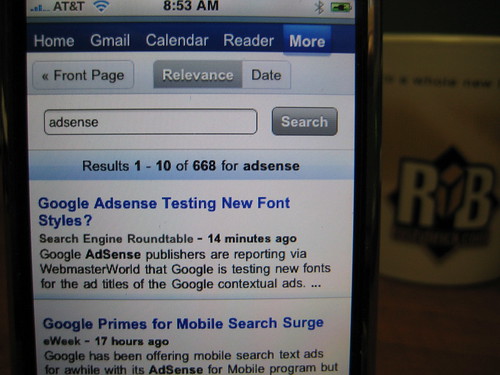
Here is a picture of some fake documents I have in my Google Apps for my domain for testing purposes:
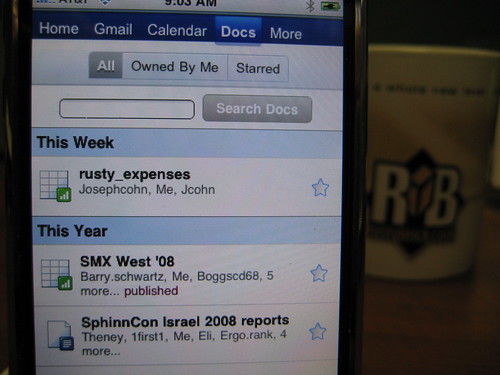

Related stories
New on Search Engine Land
About the author