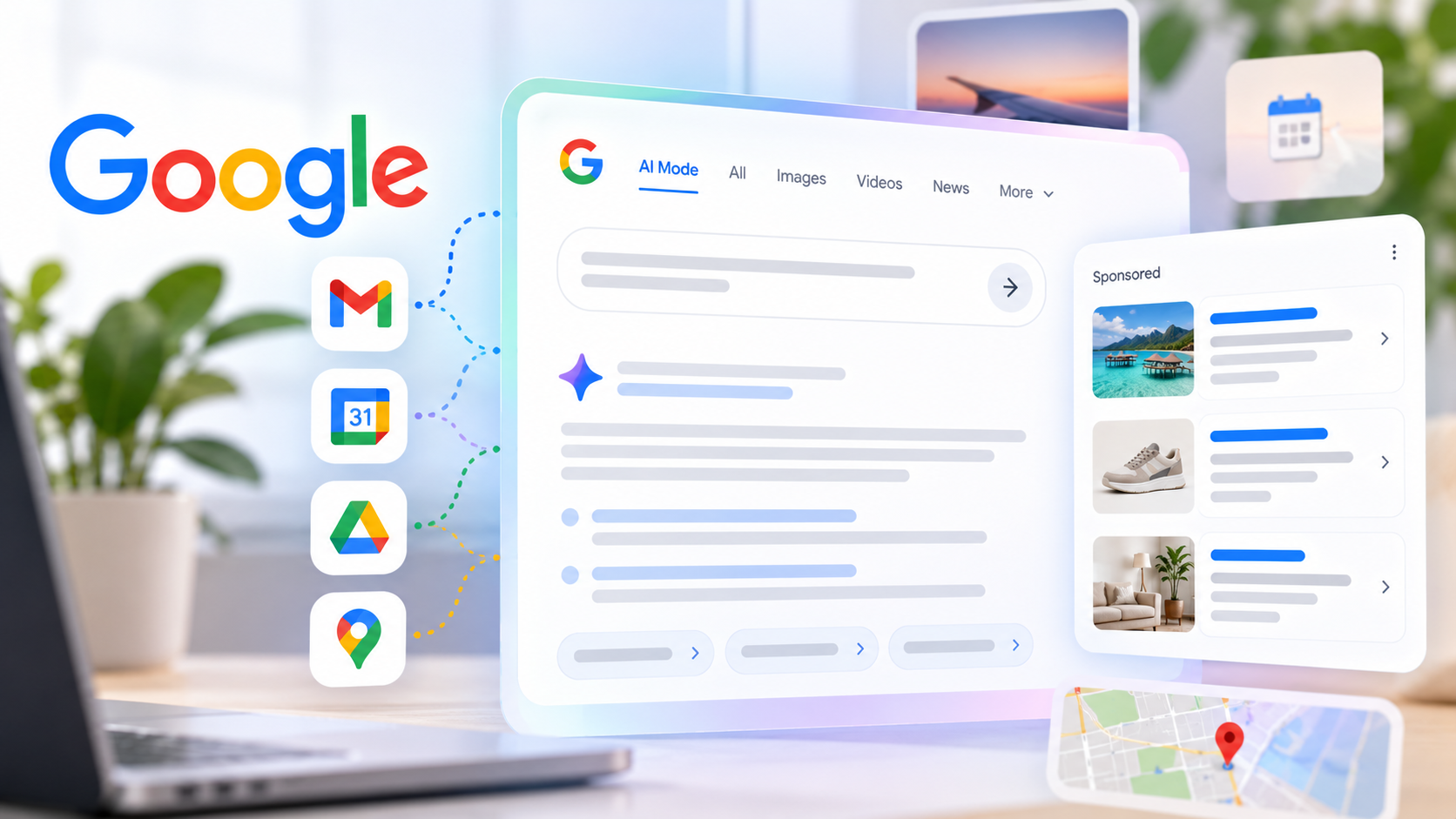
Google Webmaster Tools Cleans Up With Dashboards, New Navigation & More

 Google announced on the Webmaster Central blog that they have cleaned up Google Webmaster Tools. The three changes include:
(1) Updated Dashboard
(2) New Left Hand Navigation
(3) Home Compact View
Here is a picture of the revised dashboard:

The new navigation was changed to be more representative of the content and tools within the portal. Google explained:
- Configuration: Things you configure and generally don’t change very often.
- Health: Where you look to make sure things are OK.
- Traffic: Where you go to understand how your site is doing in Google search, who’s linking to you; where you can explore the data about your site.
- Optimization: Where you can find ideas to enhance your site, which enables us to better understand and represent your site in Search and other services.
Related Stories:
- Google Webmaster Tools Expands Query Data to 90 Days
- Do You Have Duplicate Content Issues Across Domain? Google Will Now Alert You
- Google Webmaster Tools Crawl Errors: How To Get Detailed Data From the API
- Google Webmaster Tools Adds Useful Download Options
- Google Webmaster Tools Finally Adds User Administration
- Google Webmaster Tools Revamps Crawl Errors, But Is It For The Better?
- Google +1 Reporting Now In Google Webmaster Tools
Explore more on
Google
Google Search
Google Search Console
Search engine optimization
User interface design
Webmaster
Add Search Engine Land as a preferred source on Google
Editorial disclosure
Search Engine Land is owned by Semrush. We remain committed to providing high-quality coverage of marketing topics. Unless otherwise noted, this page’s content was written by either an employee or a paid contractor of Semrush Inc.
About the author