Google Maps Now Highlighting Borders Of Cities, Postal Codes & More

Google Maps has added a feature where it will highlight in a pink color the borders of a city, postal code or other borders based on your search.
To see it yourself, go to Google Maps and search for a city name or even a zip code. You will see a pinkish highlight around the border.
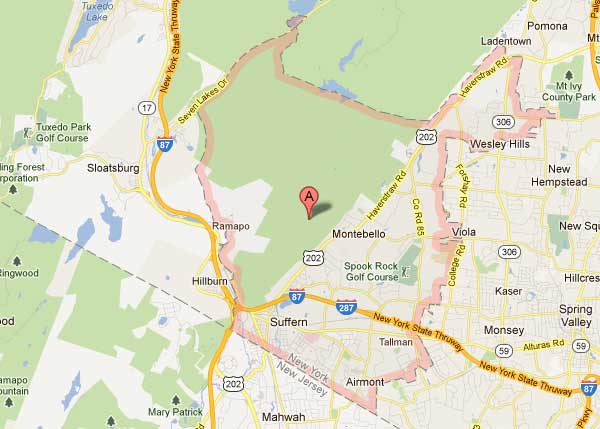
Based on your zoom level, as you zoom out, Google will highlight the whole area, not just the borders, in the pink color.
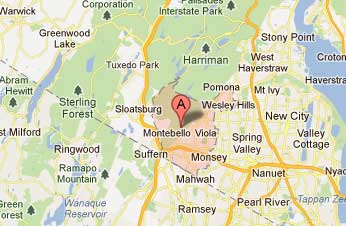
Again, you can try it for searches like [Mountain View, CA] or postal codes like [10010] but certain borders are hard to make out, like those in New York City.
Hat tip to Google Operating System for spotting this.
Related Stories:
Explore more on
Editorial disclosure
Search Engine Land is owned by Semrush. We remain committed to providing high-quality coverage of marketing topics. Unless otherwise noted, this page’s content was written by either an employee or a paid contractor of Semrush Inc.
About the author


