AdWords Bulk Uploads Now Available For Ads And Ad Groups
Google is following up last month’s launch of keyword bulk upload from the Web UI with bulk uploads for ads and ad groups. By clicking the “Editable” box before downloading a report from AdWords, you’ll be able to make changes to ad creatives, pause ad groups or change budgets within the report. A good piece […]
Google is following up last month’s launch of keyword bulk upload from the Web UI with bulk uploads for ads and ad groups.
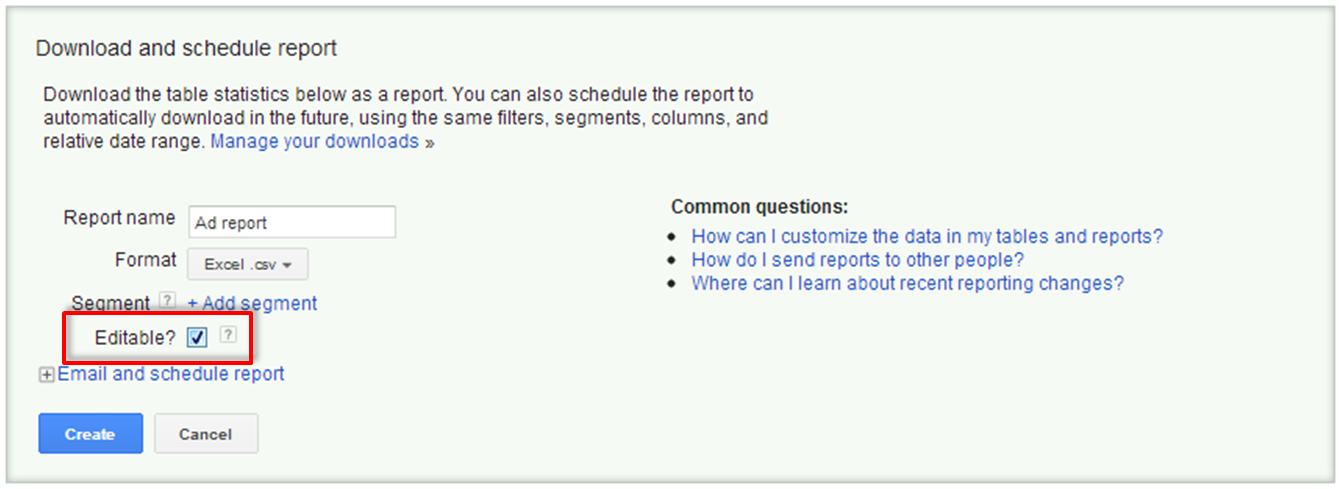
By clicking the “Editable” box before downloading a report from AdWords, you’ll be able to make changes to ad creatives, pause ad groups or change budgets within the report. A good piece of advice from Google is to save your original report as there is no way to revert back after uploading changes.
In the Excel spreadsheet, you’ll see “Action” in the first column. This is where you signal changes to AdWords; if you leave this blank, the system will ignore the row. The three options are: Add, Remove, Set. “Set” can be used when changing an ad or ad group from “enabled” to “paused”. You’ll then also need to make the change in the Ad Status column. “Set” can also be used to change an ad group’s maximum CPC or destination URL.
To upload your changes, click “Reports and uploads” in the left-hand navigation (the same area where “Shared Library” is located) and then click the “Uploads” tab.
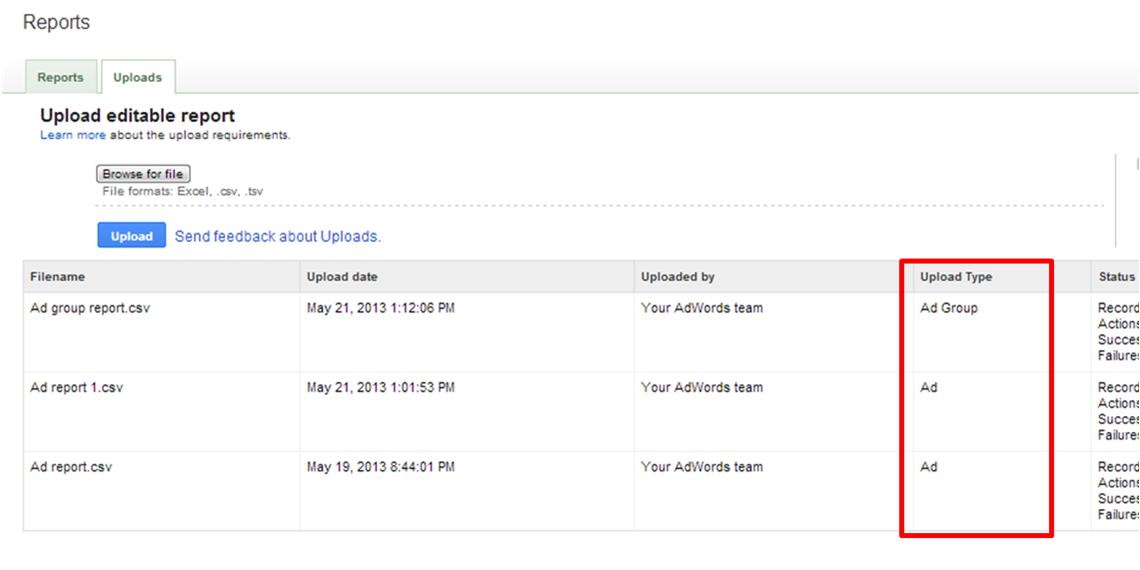 You’ll then see a status report in the Uploads table. Find more details on using the bulk uploads feature here.
Contributing authors are invited to create content for Search Engine Land and are chosen for their expertise and contribution to the search community. Our contributors work under the oversight of the editorial staff and contributions are checked for quality and relevance to our readers. The opinions they express are their own.

Related stories
About the author