YouTube hashtags: How to use them to get more views

YouTube Hashtags (often referred to with the “#” symbol) are tags added to a title or description of an uploaded video, Short on YouTube, or in a playlist in YouTube Music. They denote a video’s topic or category. According to YouTube, hashtags could improve a video’s discoverability on the YouTube platform.
Hashtags on YouTube work similar to other social media platforms (for example, X (Twitter) and Instagram). When you click on a hashtag, it takes you to a page with a collection of videos and Shorts (that looks like an auto-generated YouTube channel) that also use that hashtag.
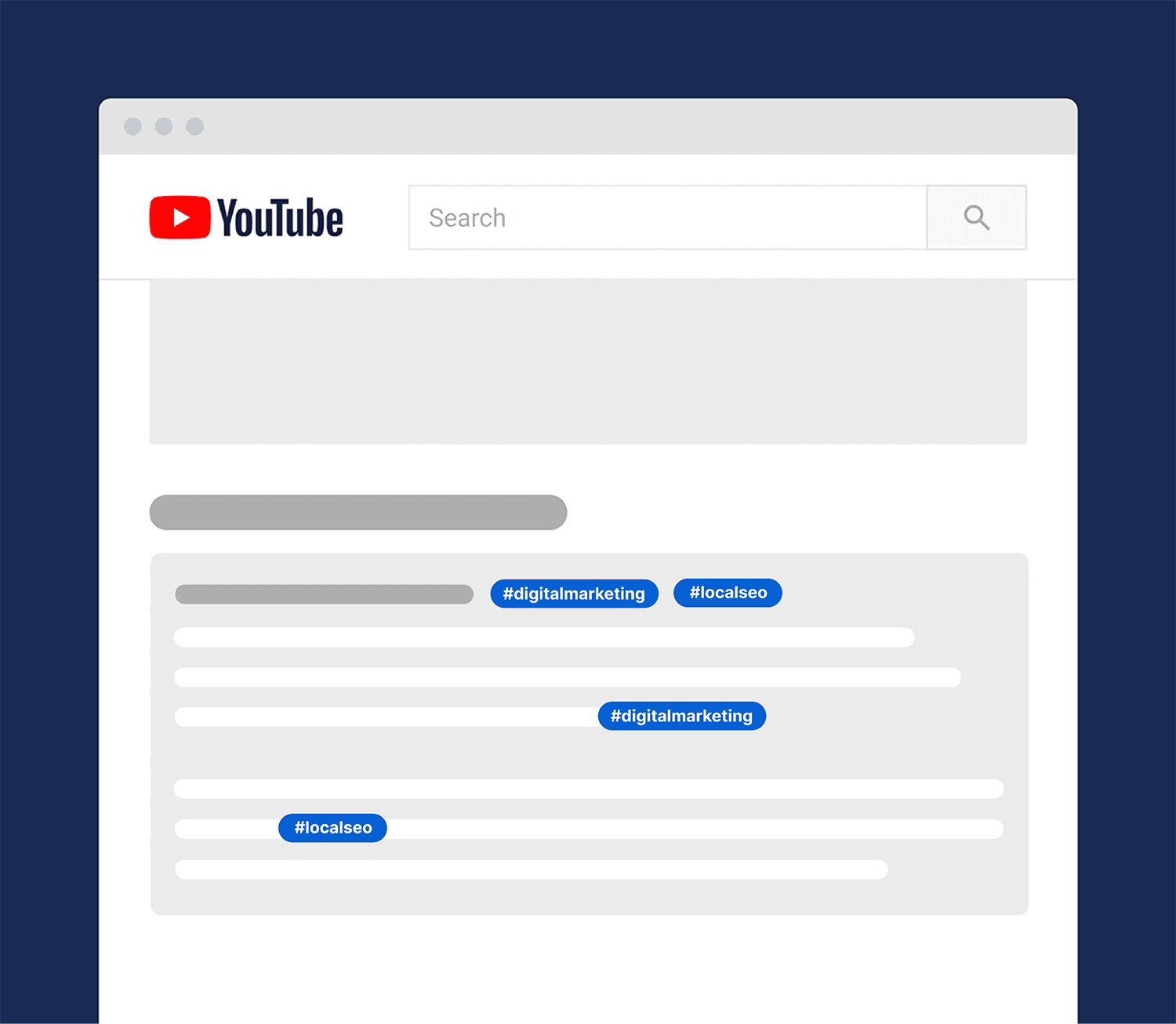
Hashtags are shown in two places on a YouTube video or Short page.
In a video’s title:

Or inside of the video description box:
Can YouTube hashtags help you get more views?
The big question is: do hashtags help your video’s YouTube SEO?
According to YouTube, hashtags can improve your SEO.
Hashtags can help you get more views in three ways.
First, hashtags can lead the target audience to your video (both regular videos and YouTube Shorts) from other videos that use the same hashtag.
For example, let’s say you just uploaded a video about marketing strategy. And you added hashtags #marketing and #marketingstrategy to that video.

Well, when people click on other videos with any of the hashtags, there’s a chance that will lead directly to your video.

(Especially if you rank for that hashtag.)
Also, people actually search in YouTube using popular hashtags as their keyword—together with the hashtag symbol.
So when you optimize your video around that hashtag, you can rank for those hashtag searches.
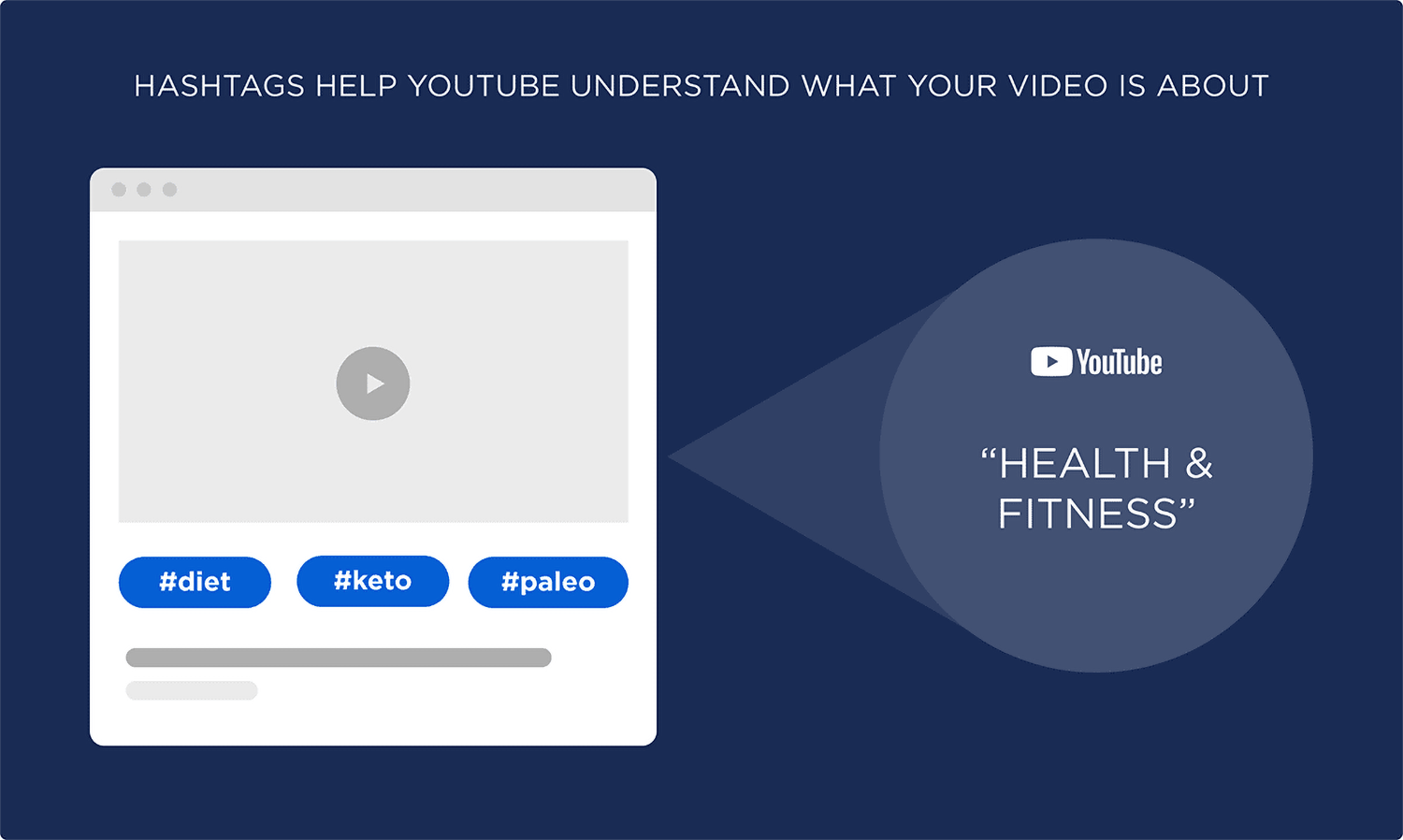
Finally, just like with normal YouTube tags, hashtags help YouTube better understand your video content.
For example, hashtags like “#diet”, #paleo” and “#keto” help YouTube understand that your video is about health and fitness.
And besides the SEO benefit, hashtags are a neat way to tie videos from your channel together… without playlists.
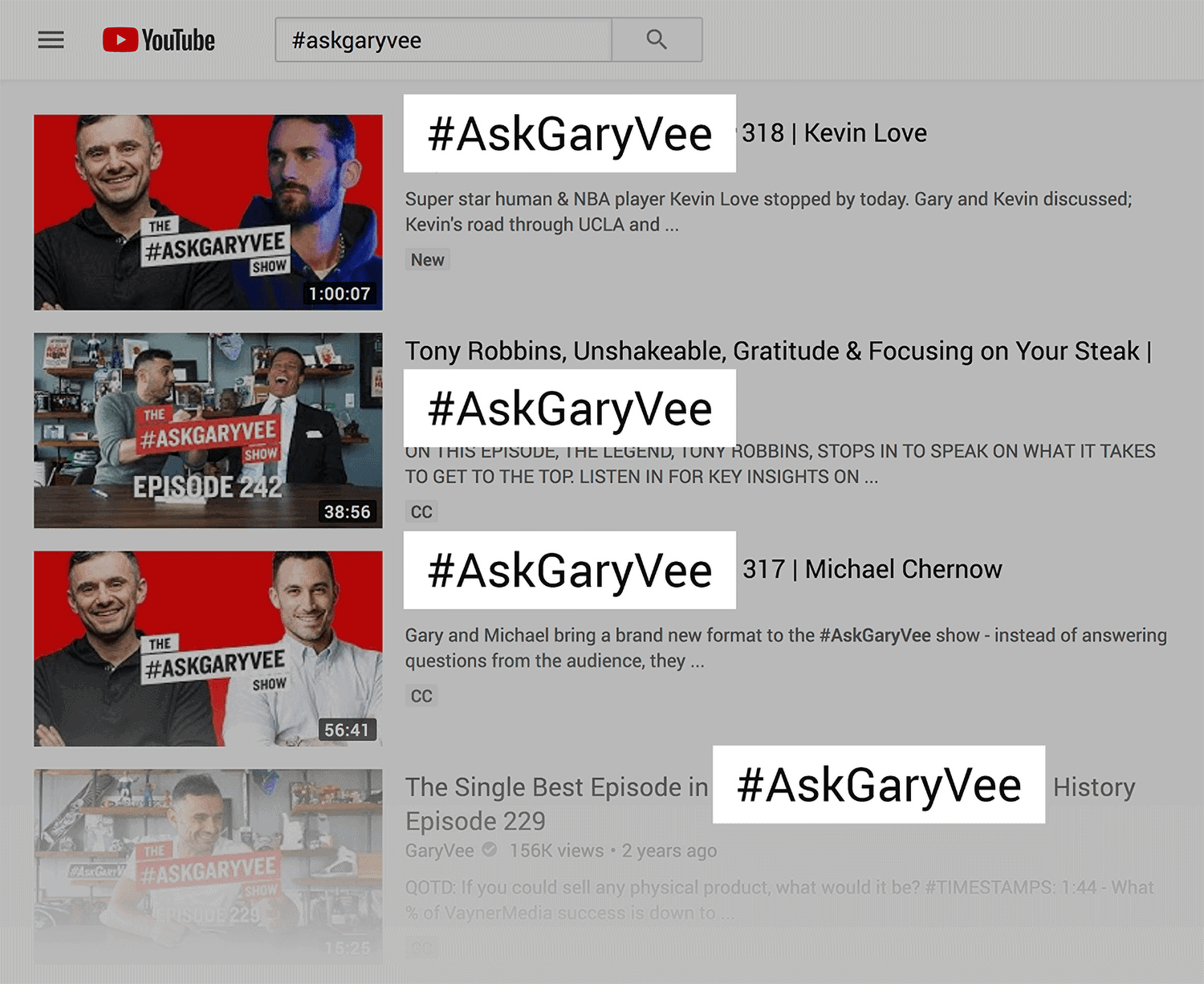
Gary Vaynerchuk used the hashtag “#askgaryvee” to make it easy for users to find all of the Q&A videos from his channel.
That said, hashtags aren’t going to magically result in more video views. In fact, YouTube has warned that hashtags are not a guarantee for success.
In other words: hashtags have the potential to help you get more views. But they’re not going to overcome other key factors in the YouTube algorithm (like audience retention).
Best practices for YouTube hashtags
How to add YouTube hashtags to your video
There are two different ways to add hashtags to your YouTube videos.
First, you can add hashtags to your video description.
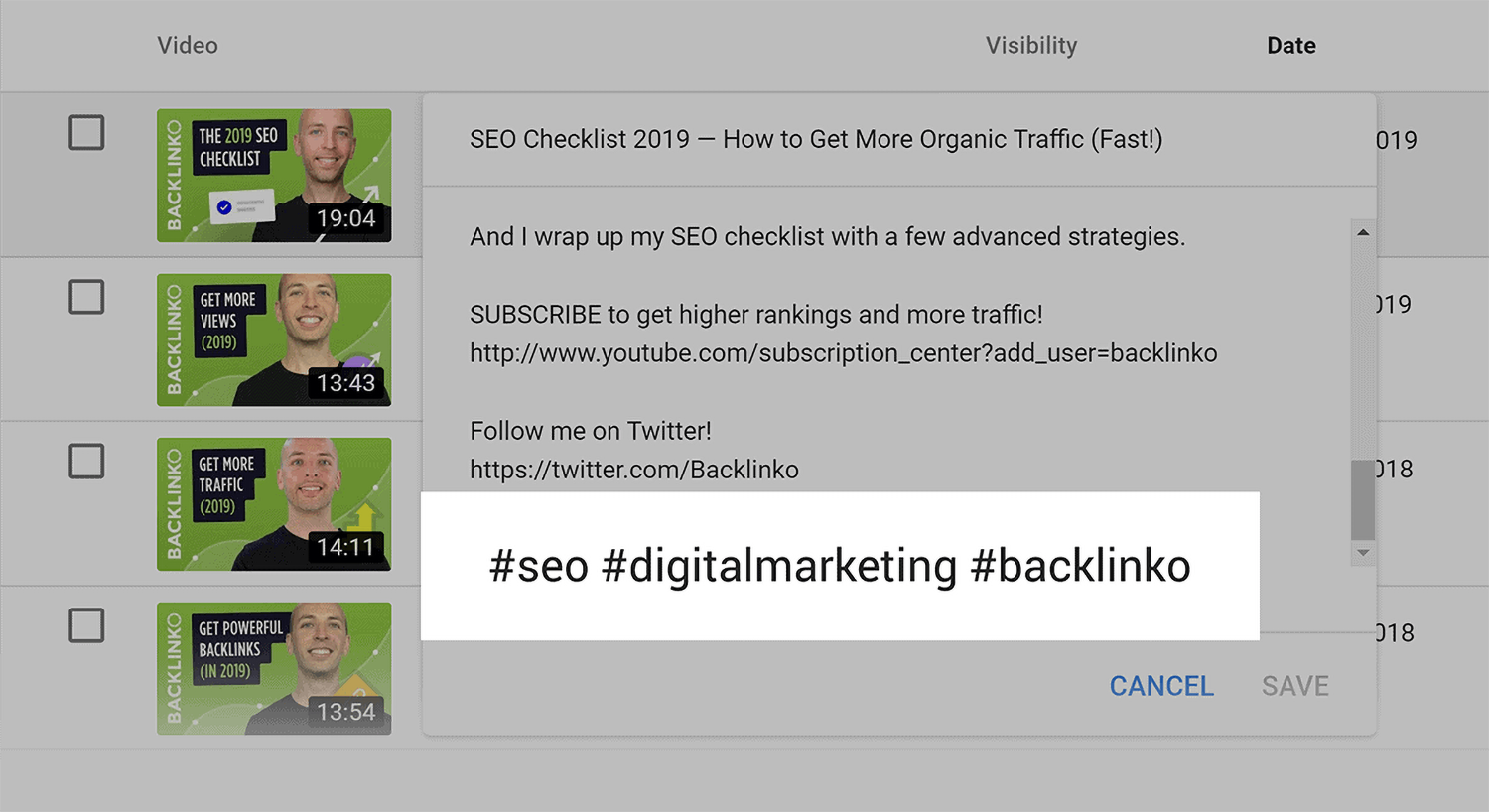
When you do, those hashtags will be linked inside of your description, like this:
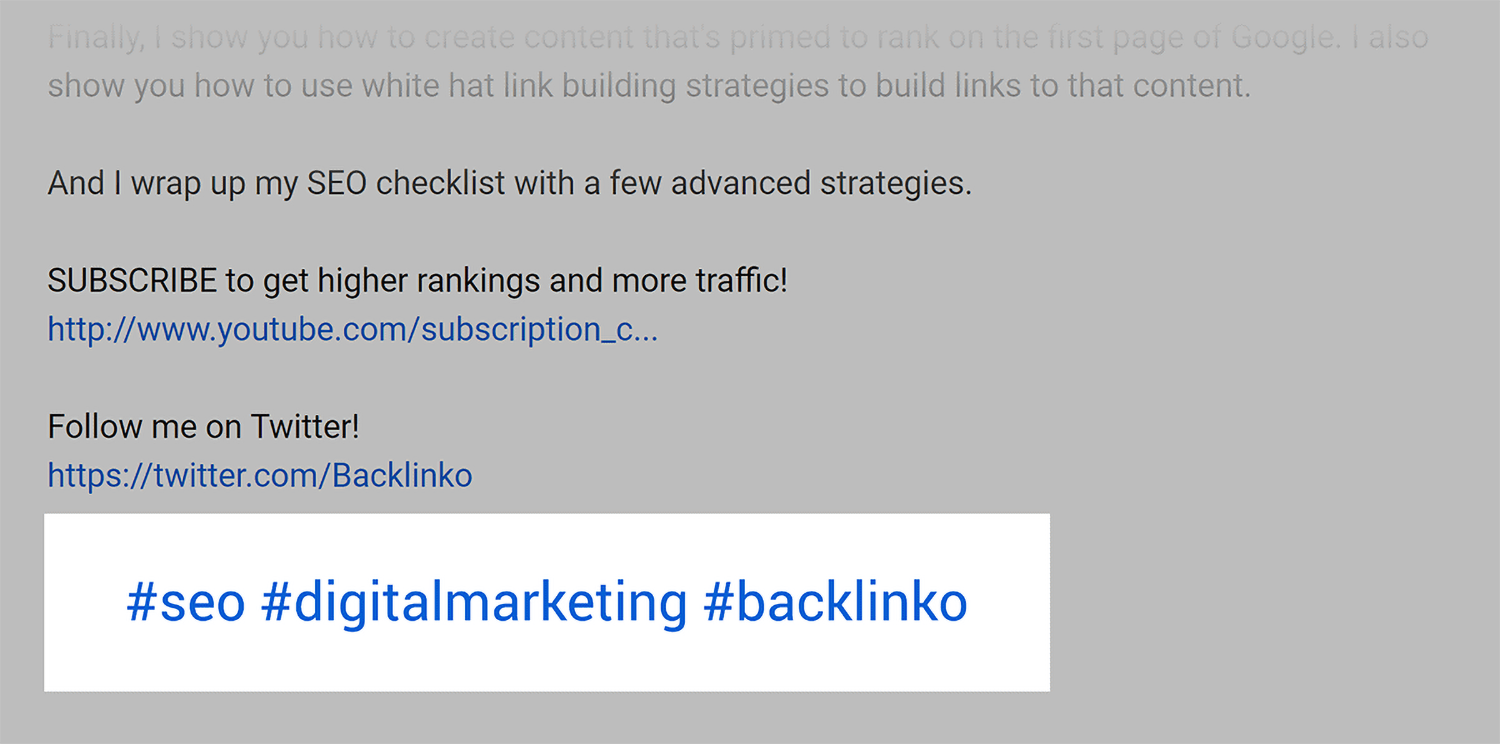
Also, up to 3 most engaging hashtags that you use in your description could show next to your publish date in the description:

You can also add hashtags to your title itself. When you do, it will appear in the title itself.

And, like any hashtag, the hashtag in your title is clickable.
How to find hashtags to use in your YouTube videos
Here are a few actionable tips to help you find the right hashtags for YouTube.
Trending videos: Check out YouTube’s trending videos category to see what type of content is trending right now.
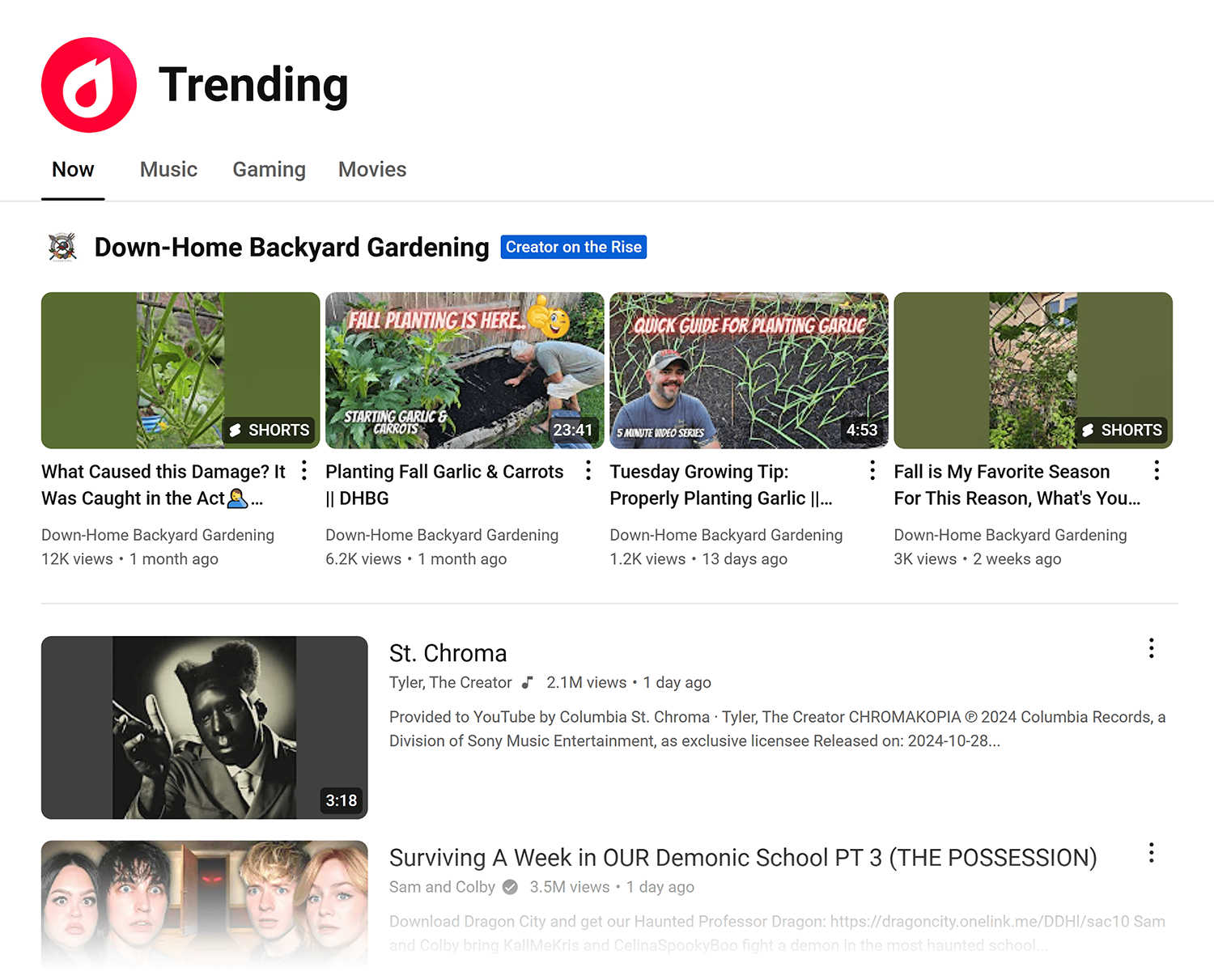
The downside of this is that most of the videos on this list probably aren’t super related to what your channel covers.
This is why I recommend checking out trending videos on topics that you DO cover. Then, use some of their hashtags on your videos.
For example, the Brian Dean YouTube channel is about SEO and digital marketing. And when you search for “SEO” on YouTube, you can see that the search results are a mix of old and new videos.

To zero-in on new and trending videos, set the “upload date” filter to this week.
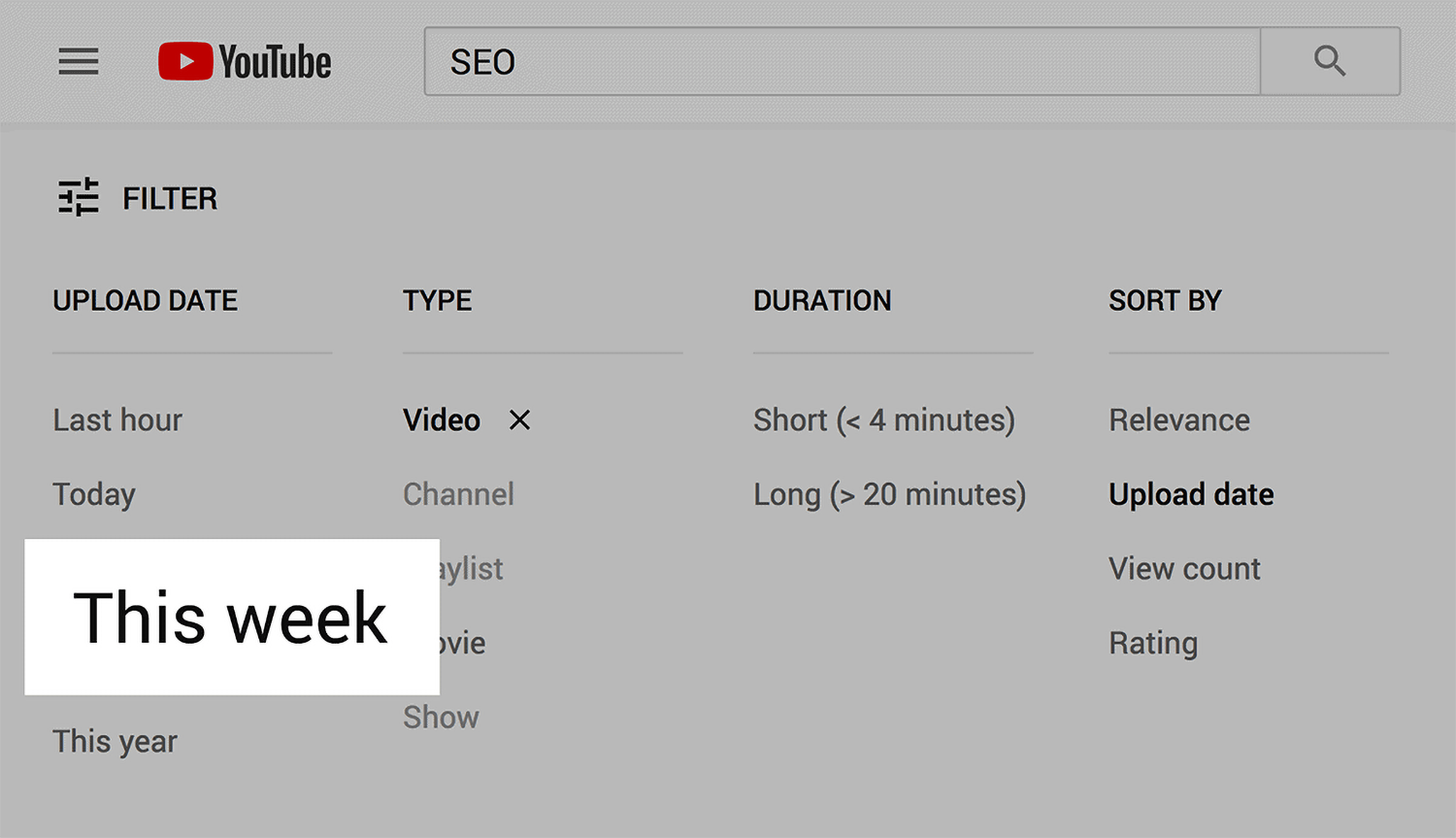
That will ONLY bring up videos that came out in the last week.

Then, it’s just a matter of focusing on the handful of videos on that list that have an above-average amount of views.
And if you find any related videos that use hashtags, consider adding those hashtags to your video.
Popular competitor videos: This is similar to the strategy I just showed you. But instead of ONLY looking at trending videos, you look at a channel’s all-time best-performing videos.
Then, use those same hashtags on your video.
For example, this video from So Yummy has over 176M views.

And if you’re in the cooking or baking niche, you might want to use some of the hashtags from that video on your video.
YouTube suggest: This is a great tip for finding popular topics and trending hashtags.
All you need to do is type in “#” into YouTube search. And YouTube will show you hashtags that are most popular on YouTube right now.

If you want to take this to the next level, type in “#a”, “#b” etc. to get even more hashtag ideas.
Be aware that hashtags on YouTube have downsides
One downside of using hashtags is that it can send people away from your video.
(Which can hurt your video’s Audience Retention.)
For example, let’s say you add 3 hashtags to your description. Well, these hashtags are prominently displayed next to your publish date.
Which makes it tempting for someone to click on one of those hashtags, which will send them away from your video.

The boost in views you get from hashtag usage can offset this loss. But it’s something to keep in mind.
Tips and advanced strategies
- Don’t overdo it: You don’t need to go crazy with hashtags. In fact, if you go above 15 hashtags (what YouTube calls “over-tagging”) on a single video, YouTube ignores all of them. I recommend limiting your hashtags to 3-4 per video.
- Use relevant hashtags: In other words, every hashtag should relate back to your video. Otherwise, you can get dinged by violating YouTube’s “misleading metadata” policy. So while it’s tempting to hop on a trending hashtag, keep in mind that every hashtag needs to be closely related to the content of your video.
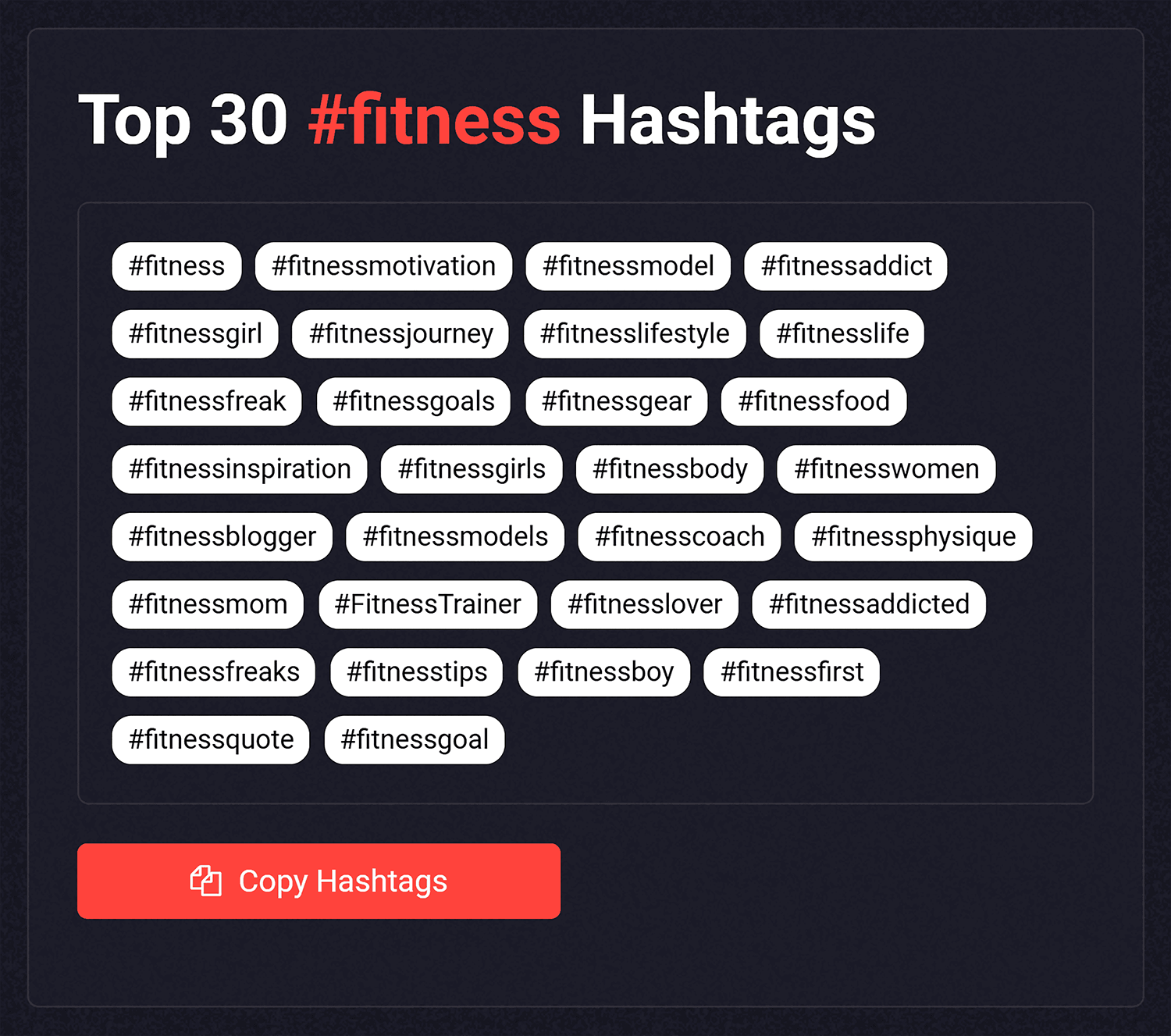
- Try hashtag tools: The strategies I covered here should give you plenty of hashtags to work with. But if you want even more hashtag ideas, a tool like a video hashtag generator can help. Just type in the topic of your video, and the tool will generate a list of hashtag suggestions.
Hashtags help, but your content does the heavy lifting
YouTube hashtags are one of those features that take almost no effort to set up. Pick 3 to 4 that are directly relevant to your video, add them to your description or title, and you’re done.
The real value is in making your videos easier to find through hashtag searches and related video pages. And as a bonus, they help YouTube better understand what your content is about.
But no amount of hashtags will save a video that people click away from. Audience retention is still what the algorithm cares about most. Get that right, and hashtags become a useful visibility boost on top of a strong foundation.
Worth exploring next:
- YouTube cards: How to use them to promote your best content: A complete guide to adding interactive card elements to your videos, with tips on timing, teaser text, and funneling viewers to your highest performing content.
- YouTube branding watermark: An essential guide: How to set up and optimize the small subscribe button overlay that appears on every video, including image choices and performance tracking.
- How to dominate video driven SERPs: A deep dive into getting your videos into Google’s key moments, featured clips, and AI Overviews using schema markup, transcripts, and semantic optimization.
- YouTube hashtags: Five best ways to use them: Actionable tips to help you get the most out of hashtags on YouTube.
- YouTube hashtags for views: Short video that outlines a unique, data-driven approach to using YouTube tags for SEO.
Explore more on
Editorial disclosure
Search Engine Land is owned by Semrush. We remain committed to providing high-quality coverage of marketing topics. Unless otherwise noted, this page’s content was written by either an employee or a paid contractor of Semrush Inc.
About the author