How to segment SEO data for multi-location brands


For multi-location brands, overall SEO performance can hide what’s really happening across individual markets. A strong top-line result may be driven by a handful of locations, while other markets decline or remain flat.
New locations can inflate traffic, conversions, and visibility simply because they weren’t included in the prior-year data. A decline, meanwhile, may be tied to a single market, a closure, or another external factor rather than a broader performance trend.
Segmenting data by location, region, market, and other relevant groups helps uncover these patterns and identify high- and low-performing outliers. Instead of simply showing whether total performance increased or decreased, segmentation lets you understand what’s driving results, where opportunities or challenges exist, and where to focus your efforts.
Data sources to evaluate
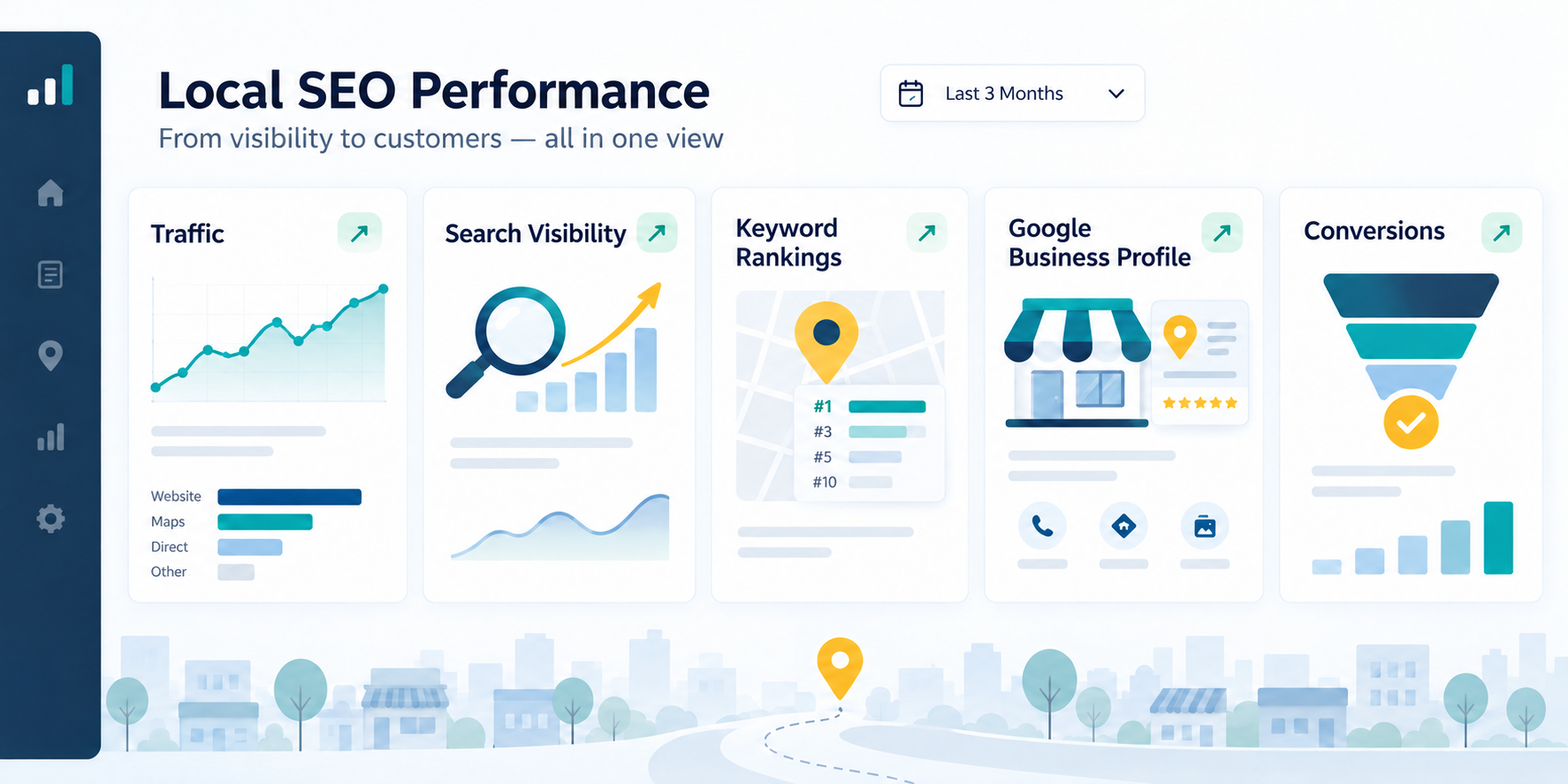
Traffic, conversions, and engagement
A good place to start is analytics data. Whether you use GA4, Adobe, or another reporting platform, review which channels are driving users to the website and how they interact with the site once they arrive.
Look at organic traffic alongside engagement and conversion data to understand what actions users take on the site. Compare organic metrics with overall website performance to identify trends occurring across channels versus those specific to Organic Search.
Conversion metrics vary by business but may include appointment requests, bookings, form submissions, phone calls, or other events. Engagement metrics, such as engaged sessions and engagement rate, can provide additional context around how users interact with a page.
For multi-location brands, we also want to look at local-page-level data to identify which locations drive traffic and leads, where engagement falls off, and which markets need additional optimization or deeper dives.
Dig deeper: Multi-location SEO strategy: Stop competing with your own content
Search visibility
Use Google Search Console and Bing Webmaster Tools to understand organic search visibility and, where available, AI search performance.
Review clicks, impressions, click-through rate, and average position across location pages, both month over month and year over year. Then, look at the queries driving those trends. Are users finding locations through branded searches or through non-branded terms related to services or “near me” keywords?
Segmenting this data by location, market, and query type can help determine whether a trend is broad or isolated to a specific region or group of pages. It also provides an early view into whether performance is being driven by brand awareness, local discovery, or both.
Visibility into keyword and local rankings
Use local rank tracking tools to monitor location performance for priority local-intent searches, including city- or service-based terms and “near me” searches at the city or ZIP code level.
When reviewing this type of performance, look for:
- Ranking changes.
- Changes to the search results page (such as layout shifts or new features).
- New competitors appearing for priority terms.
Grid or radius reporting provides additional context in competitive markets by showing how visibility varies with a user’s location.
Google Business Profile insights
Google Business Profile insights provide another important view of local SEO performance, particularly for visibility and actions that happen directly in search results.
Check views on Google Search and Maps to see how often profiles appear, along with actions such as website clicks, phone calls, and direction requests. The value of each action will vary by business. For example, phone calls may be more meaningful for a service-based business, while direction requests may be a stronger indicator for a retail or in-person location.
Also consider review data alongside GBP performance, including review volume, recency, and average star rating. These factors can influence how users engage with a profile and may help explain differences between locations.
Build useful reporting views that answer specific questions
Knowing what you’re trying to learn from the data is a helpful starting point before you slice and dice performance. Intentionally focus on different views of the data to answer questions you or a client may have, explain performance changes, and uncover outliers or opportunities.
With segmentation, the goal is to look at individual pieces of a larger performance picture to better understand what drives the overall result. Together, we’ll walk through some of my favorite ways to segment multi-location SEO data.
Segmentation by geography
We couldn’t look at multi-location data without breaking it down by geography. Segmenting data by location and market lets you understand how different areas are performing and uncover where deeper dives may be needed or where efforts should be prioritized.
Whenever I look at data, I like to identify outliers above and below the average. This creates an opportunity to understand why certain locations underperform while also examining what may be making other locations high performers.
- Is there less competition in a specific market, or is it oversaturated?
- Do those in smaller markets have more local involvement?
- Are multiple locations in a city like Chicago competing with each other for keywords?
- Do we need to include more neighborhood terms like West Loop or Wrigleyville to differentiate locations?
These insights can help identify challenges to address and tactics worth applying across other markets.
Geographic segmentation can show whether a performance change is isolated to one market or occurring more broadly while creating more realistic benchmarks, since a small town won’t have the same search demand or competitive landscape as a large metro.
Some examples of ways to group data by geography include:
- State or province.
- Region.
- Metro area.
- City.
When a region or metro underperforms, look more closely at local keyword and Map Pack visibility, organic location page performance, GBP reviews data, competitors, market demand, and the accuracy and completeness of the location page and Google Business Profile. These findings can help inform whether the next step is a listing update, content optimization, a market-level page, or something else.
Creating these filtered views will depend on how URLs are structured on your site, whether it’s a single filter by landing page or if regex is needed. Before analyzing the data, always double-check that the filter works as expected. This saves time and helps avoid false “aha” moments from an incomplete or inaccurate view.
TrueView: Comparable year-over-year performance
One challenge with multi-location reporting is accounting for how businesses change over time. It isn’t uncommon for locations to open, close, relocate, or expand during the time you’re working with a client. Creating a “TrueView” that includes only locations active during both comparison periods can help provide a more accurate one-to-one comparison.
This is especially helpful for year-over-year reporting, where you want to understand whether growth is tied to marketing efforts or driven by adding locations over the past year.
When creating a TrueView reporting filter:
- Exclude locations that opened after the prior-year comparison period. Adding locations will naturally increase traffic, visibility, conversions, and other metrics simply because there are more locations than there were in the previous period.
- Exclude locations that have closed. Closures are expected to decrease performance, since customers can no longer visit the location, and search demand will likely decline or disappear.
- Note major business or tracking changes, such as relocations, site migrations, massive website changes, or conversion-tracking updates, that may still affect the comparison.

A TrueView provides a closer apples-to-apples view for year-over-year comparison by isolating locations that existed and had data in both periods. It prevents new-location growth from falsely inflating metrics and masking flat or declining performance at established locations, while also preventing closures from making comparable performance appear worse than it is
Both TrueView and total performance reporting help tell the full story. Use TrueView alongside total location data to show how established locations are performing, distinguish SEO-driven growth from business expansion, and identify declines that need further investigation.
The industry’s trusted source for essential news and analysis.
Sign up for our newsletter to receive exclusive insights and updates directly to your inbox.
- Daily breaking news
- Expert analysis from industry veterans
- Join over 200k subscribers
- Covering SEO, PPC and AIO
New location performance
Creating a separate view for newly opened locations helps you review performance separately from established locations and monitor how it changes from launch onward. This view is primarily useful for tracking trends across indexing, visibility, traffic, engagement, and reviews over time.
It can also show how new locations gain momentum after a grand opening event, promotional period, or cross-channel marketing efforts. These insights can help identify gaps, prioritize efforts, and better understand performance in new markets. They can also help set realistic expectations for new markets or franchise owners, when applicable.
Segment by branded and non-branded search performance
Branded and non-branded search performance can yield different insights, so it’s worth reviewing both to understand overall performance and which keywords are driving users.
Branded searches can indicate existing awareness and demand for a business. Non-branded searches show how well locations appear for discovery searches related to specific products or services and for local intent queries such as “near me” terms or geo-modified keywords.
Review branded performance to identify whether brand terms are declining or being impacted by factors such as SERP features, paid search activity, or overall branded search demand.
Diving into non-branded keywords can uncover which keywords need more optimization focus, how users find your GBP outside the brand name, and where to look in more depth with local rank tracking tools to understand visibility.
How do local pages perform in GBP vs. traditional organic search?
Location pages are a key part of local SEO performance and can receive traffic from both traditional organic search results and Google Business Profiles. Reviewing these sources separately clarifies whether organic visibility, GBP activity, or both drive location-page performance.
Use Google Search Console to review the keywords, clicks, impressions, and visibility trends driving organic performance to location pages. Then, add consistent UTM parameters to GBP website links and review that traffic separately in GA4. This shows you how GBP-driven users engage with the site and convert compared with users who arrive through traditional organic search.
Pairing business context with reporting
Alongside performance data, it’s important to understand what’s happening across the business. Search demand and seasonality can impact results, as can website changes, promotions, and shifts in the competitive landscape.
For multi-location brands, location-specific changes can be especially important context to consider when analyzing performance. For example:
- Did you launch any new locations during the reporting period?
- Has a location moved, which could contribute to ranking fluctuations in that market?
- Did a closure contribute to lower traffic, visibility, or conversion volume?
Evaluate performance from different angles
Once you identify a trend or outlier, look at the data from different angles to understand what may be driving it. For example, if a location is seeing fewer conversions, first determine whether that is tied to a decline in traffic or whether traffic is stable and users are simply taking fewer actions on the site.
If traffic is declining, review where the loss is coming from.
- Is it tied to lower Google Business Profile engagement, a specific group of queries, or weaker visibility for a certain location page?
- Did rankings drop, or did the SERP change?
- Is Google testing how it displays GBP action buttons, or whether it shows them at all?
Additional data sources, such as Google Trends, can explain changes in search demand for broader topics or specific keywords. You can break this data down by region to add local context, or compare different periods to see whether this is a new trend or something that recurs each year.

If traffic is steady but engagement or conversions have declined, the next step may be to review the conversion path, consider a CRO audit, or look at review trends and sentiment that could be affecting how users engage with the business. Reviewing how competitors have changed can also be a good starting point, especially when rankings and traffic remain solid.
Reviewing visibility, traffic, engagement, and conversions can identify whether a location’s challenge stems from search performance, the on-site experience, or another factor. This includes both on-site engagement and off-site actions, such as GBP activity.
Turning findings from segmentation into an action plan
Segmentation should do more than explain performance changes. Use it to identify where the team needs to investigate further and where Local SEO efforts can have the greatest impact on performance and business outcomes.
Segmentation lets you prioritize locations and markets by identifying outliers that may need more focused effort, testing opportunities, and successful tactics that may be adapted to address challenges in other markets.
For example, through segmented data analysis, you may be able to more easily uncover:
- Markets with declining non-branded visibility.
- Locations with strong traffic but weak conversions.
- New locations that aren’t being indexed or gaining Google Business Profile engagement.
- High-value markets with incomplete location pages or GBP listings.
- Markets with more competition where brand awareness or review generation may be useful.
- Messaging misalignment between the audience and market.
- Locations struggling with performance that may need further investigation, especially if the problem isn’t isolated to one channel and could involve reputation or offline issues.
- Markets with enough traffic and engagement to test new tactics, measure impact, and potentially scale successful efforts to other locations.
Let segmentation and total performance work together
Segmenting data allows multi-location brands to better understand year-over-year performance, market-level trends, and the opportunities and challenges influencing location results.
Make SEO reporting stronger by connecting performance data to business context to explain both total performance and the internal or external factors that may be influencing results.
By looking at segmented views alongside total performance metrics, you can better identify what drives performance, where action may be needed, and how local SEO efforts impact locations over time.
Explore more on
Editorial disclosure
Contributing authors are chosen for their expertise and work under the oversight of the editorial staff. Search Engine Land is owned by Semrush. The contributor was not asked to mention Semrush; the opinions expressed are their own.
About the author


