404 pages: Best practices and examples from 50+ brands

404 page errors can frustrate users and cause them to leave your site.
However, with some foresight, these errors can become an opportunity to provide help and encourage users to explore more of your website.
This article covers best practices for crafting 404 pages, with real examples from over 50 brands. You’ll also find answers to frequently asked questions about 404 error pages.
What is a 404 page?
A 404 page, also known as an error page, is a webpage displayed when a user tries to access a URL that no longer exists.
Status code 404 error meaning
The 404 status code error is an HTTP response signaling the webpage cannot be found on the web server. It tells the browser that the requested webpage is “not found.”
404 page best practices
Creating a useful 404 error page is vital for providing a good user experience when visitors visit your website.
Here are some best design practices for crafting a user-friendly and engaging 404 page.
- Clear error message: Ensure the 404 error message is displayed and clearly states that the requested page cannot be found. Use friendly and simple language to explain the error.
- Engaging visuals: Incorporate visually appealing graphics or illustrations that align with your website’s design and brand. These visuals can help soften the frustration of encountering an error.
- Navigation options: Provide easy-to-find navigation elements that guide users back to your website’s homepage, main content, or relevant sections. Include links or buttons that make it simple for users to continue their journey.
- Search functionality: Include a search bar allowing users to look for the content they originally sought.
- Contact information: Include contact information or a link to your support/help center for users needing assistance with their specific issue.
Following these design practices can turn a frustrating error into a positive user experience and keep visitors engaged with your website, even when they encounter 404 pages.
51 examples of 404 pages
Funny 404 page examples
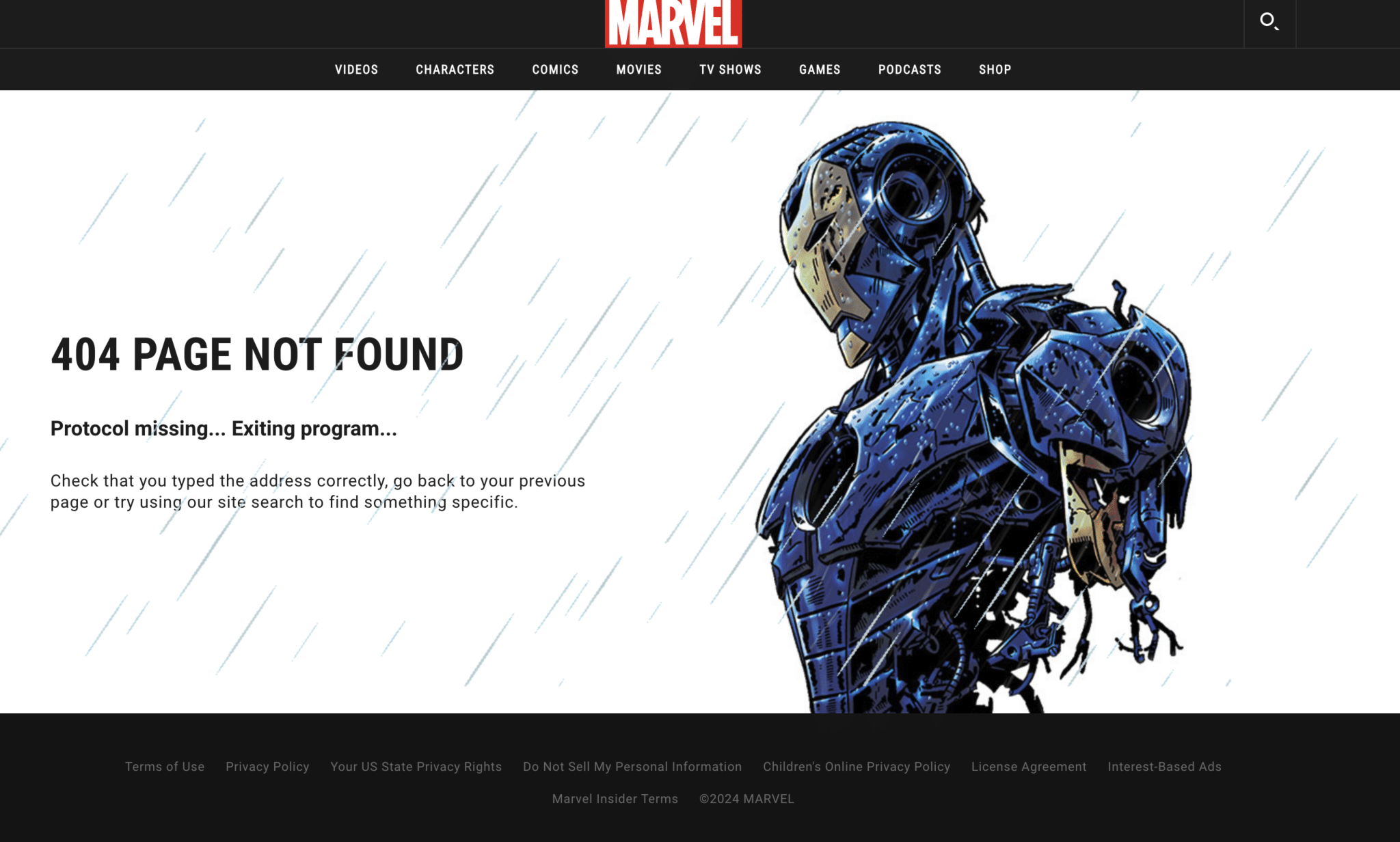
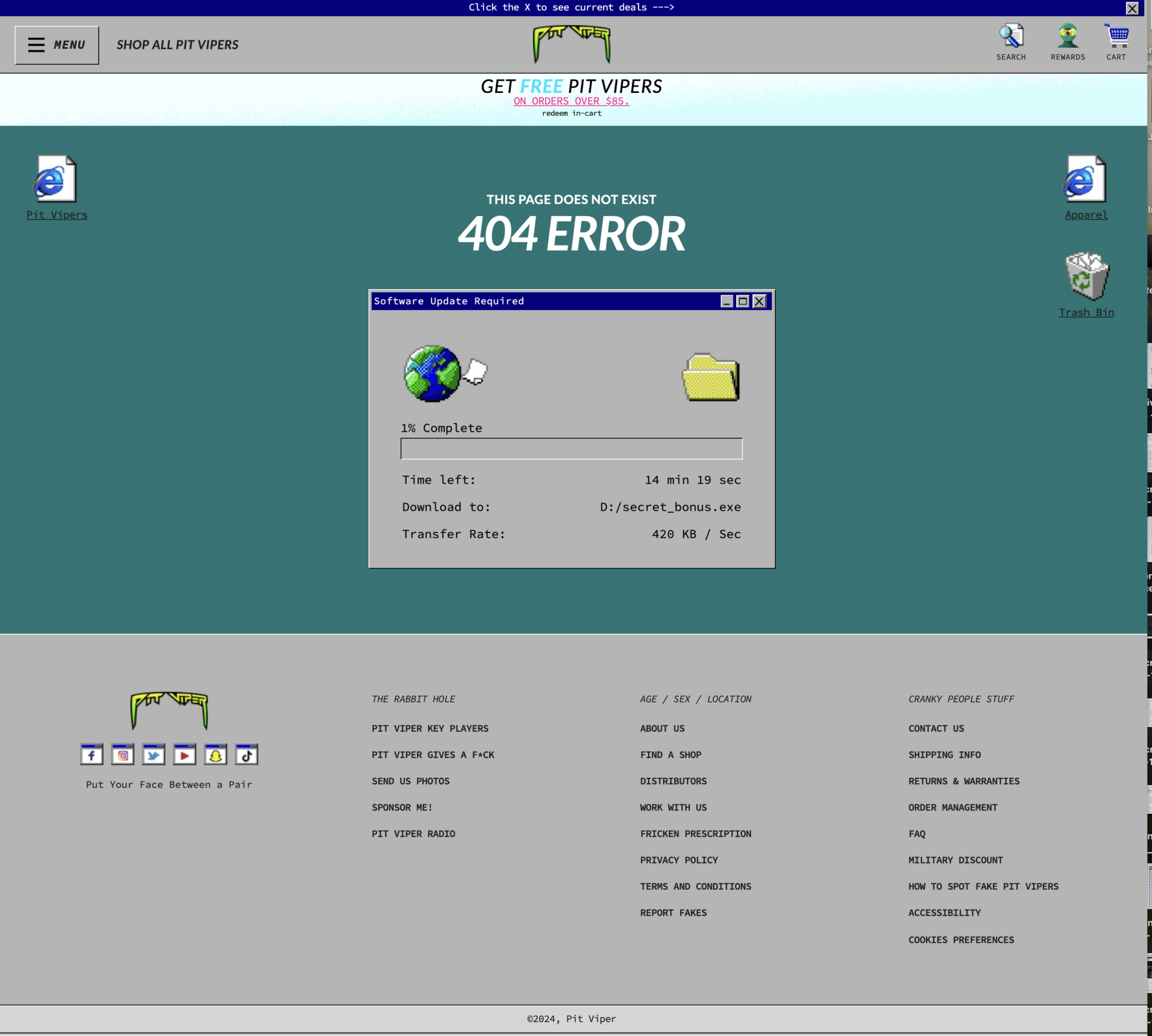
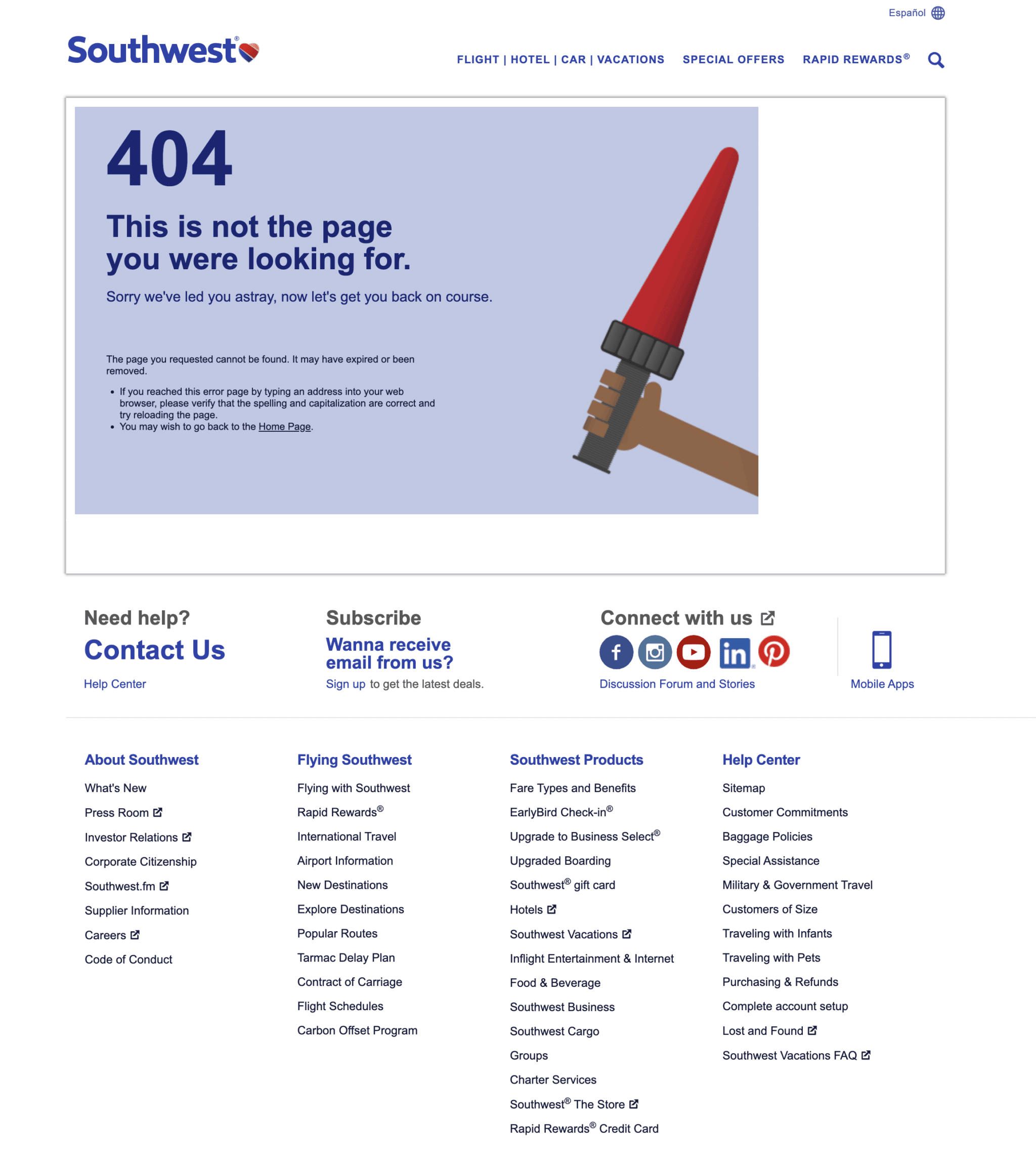
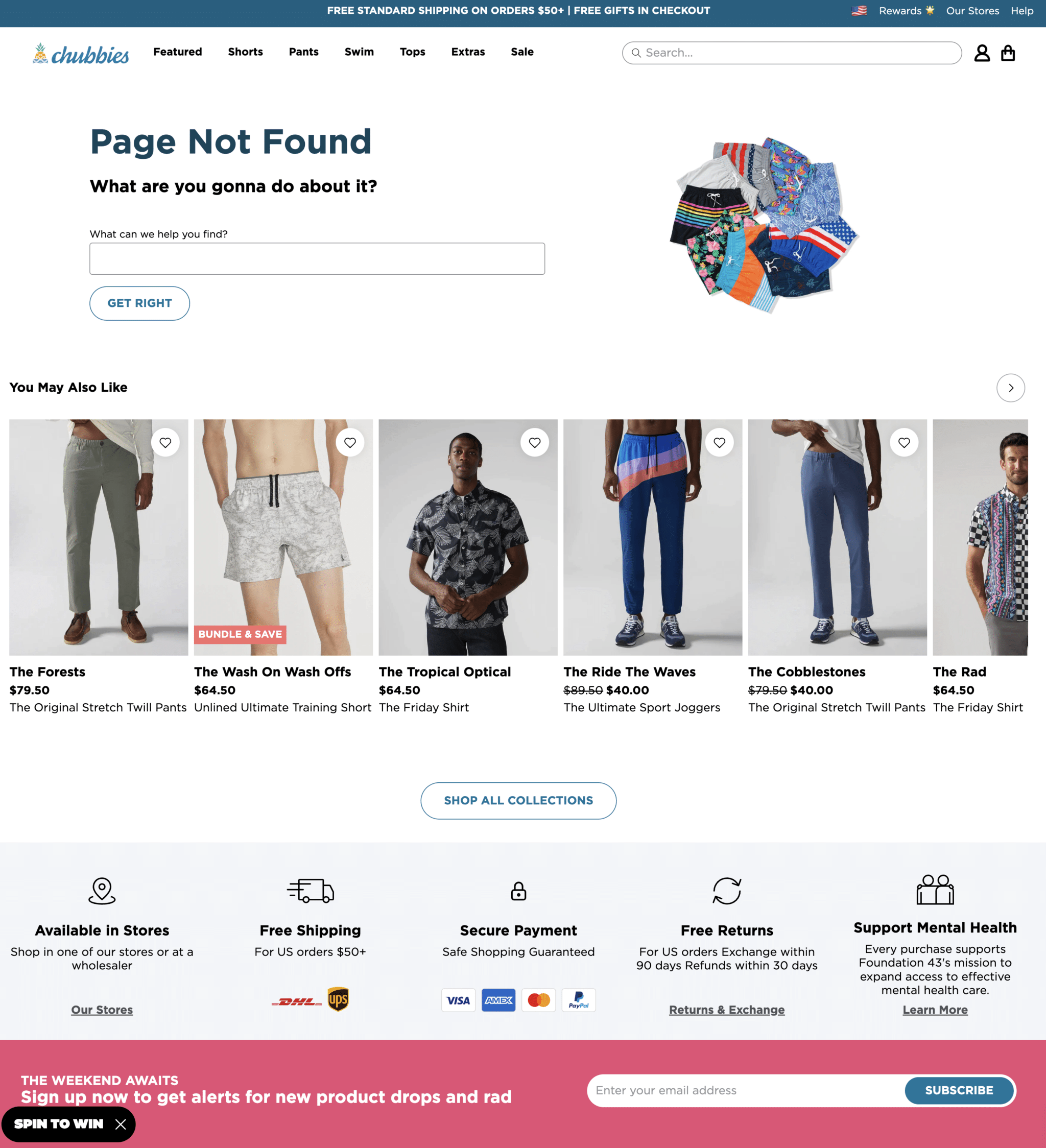
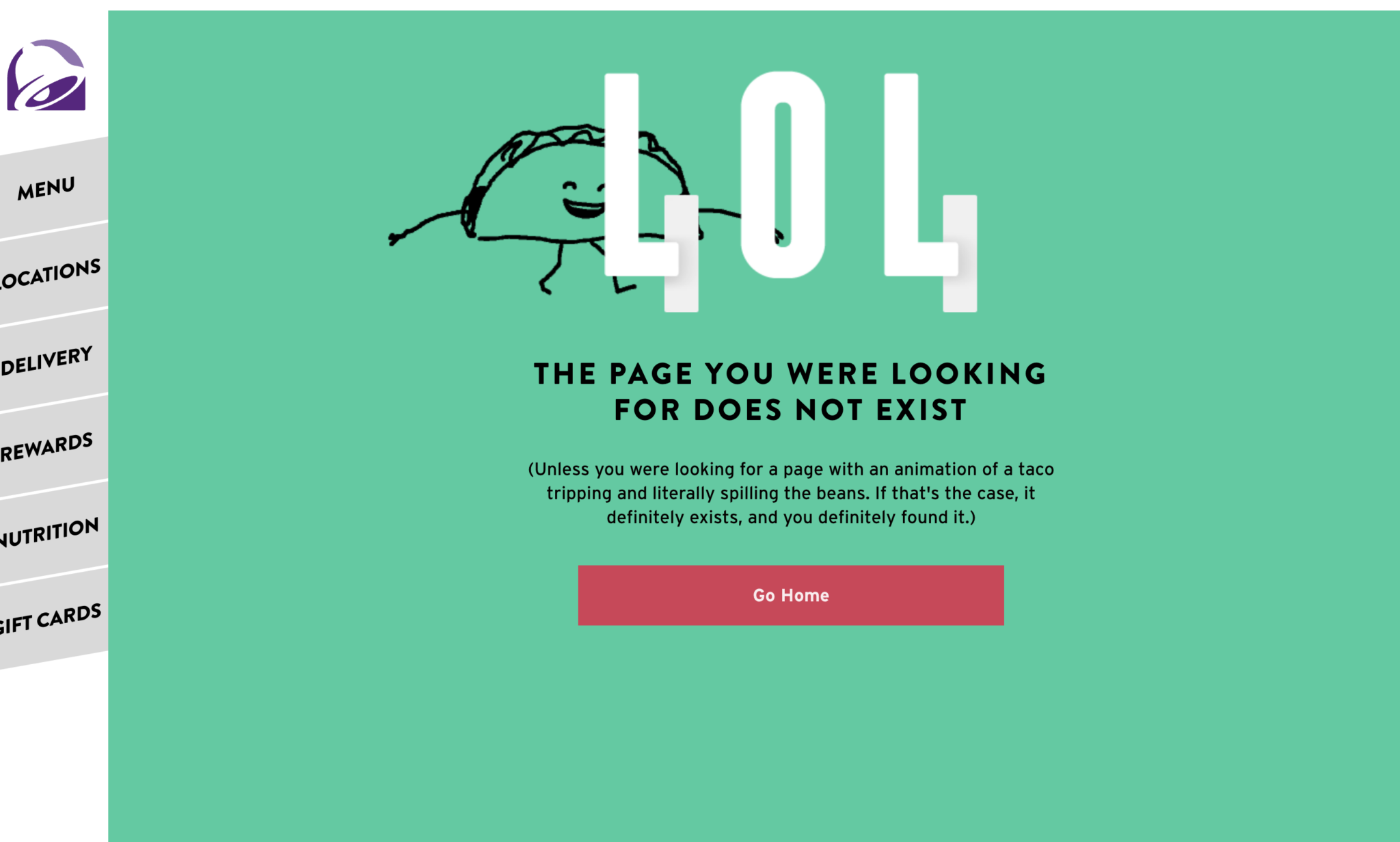
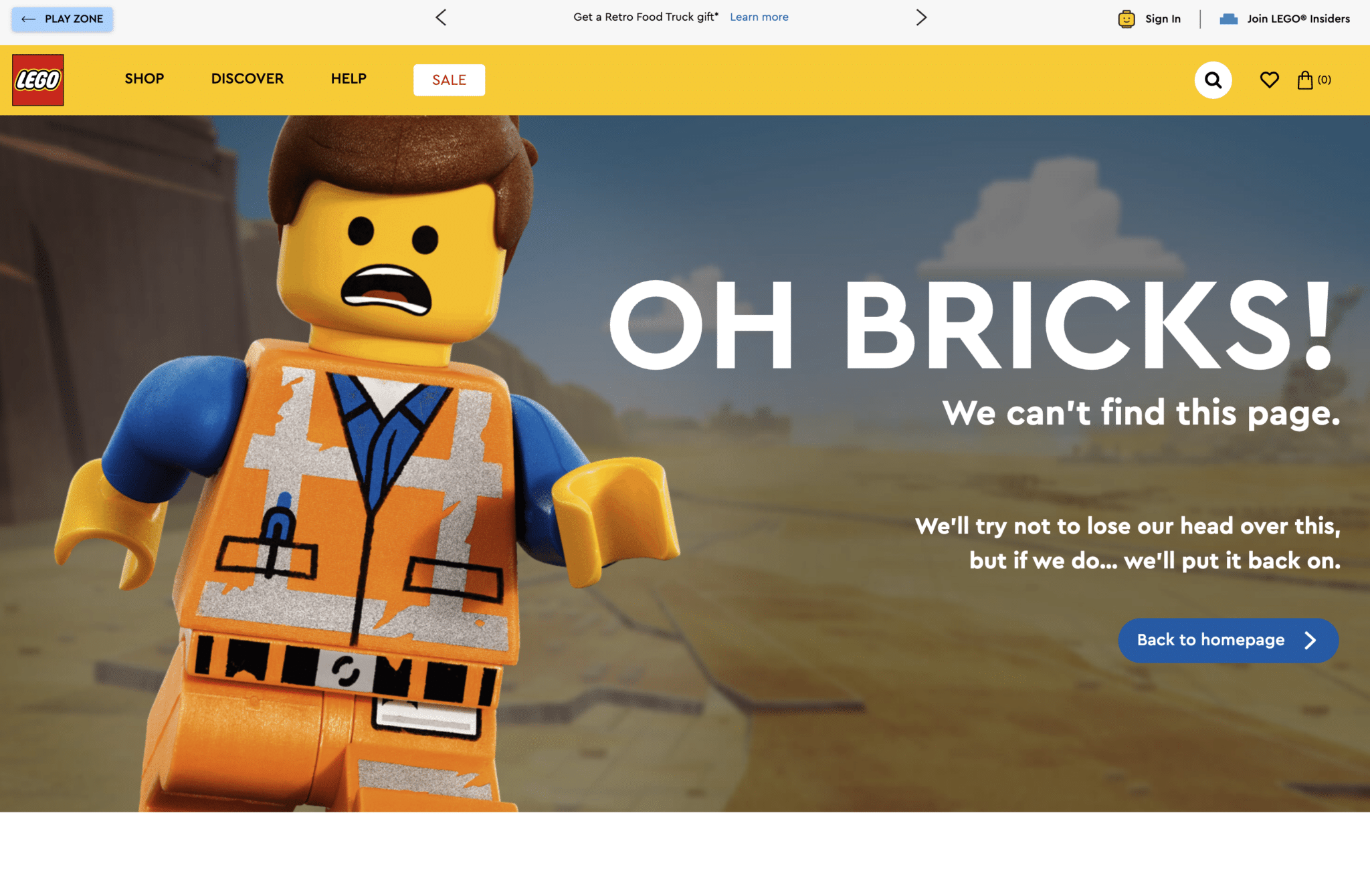
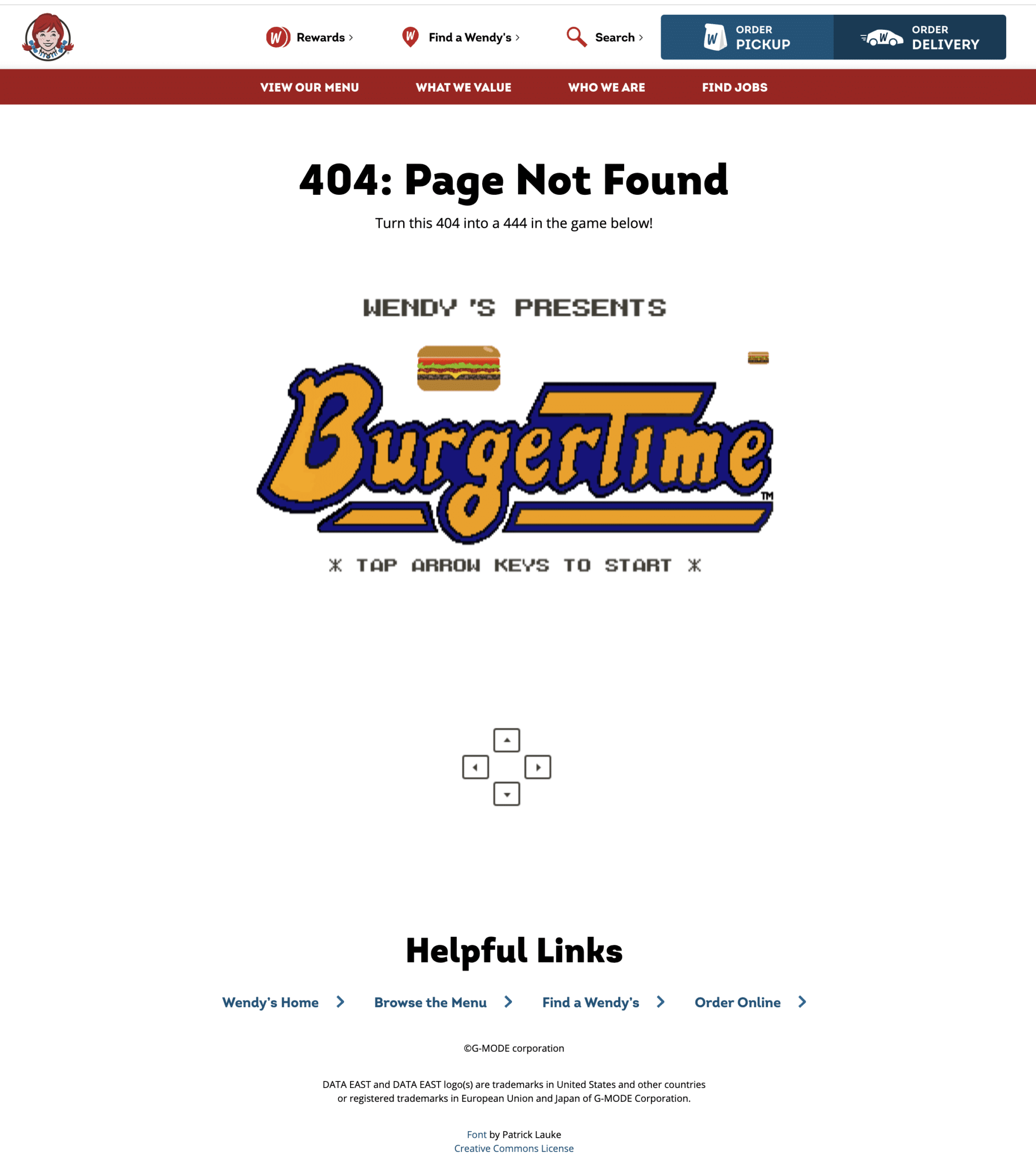
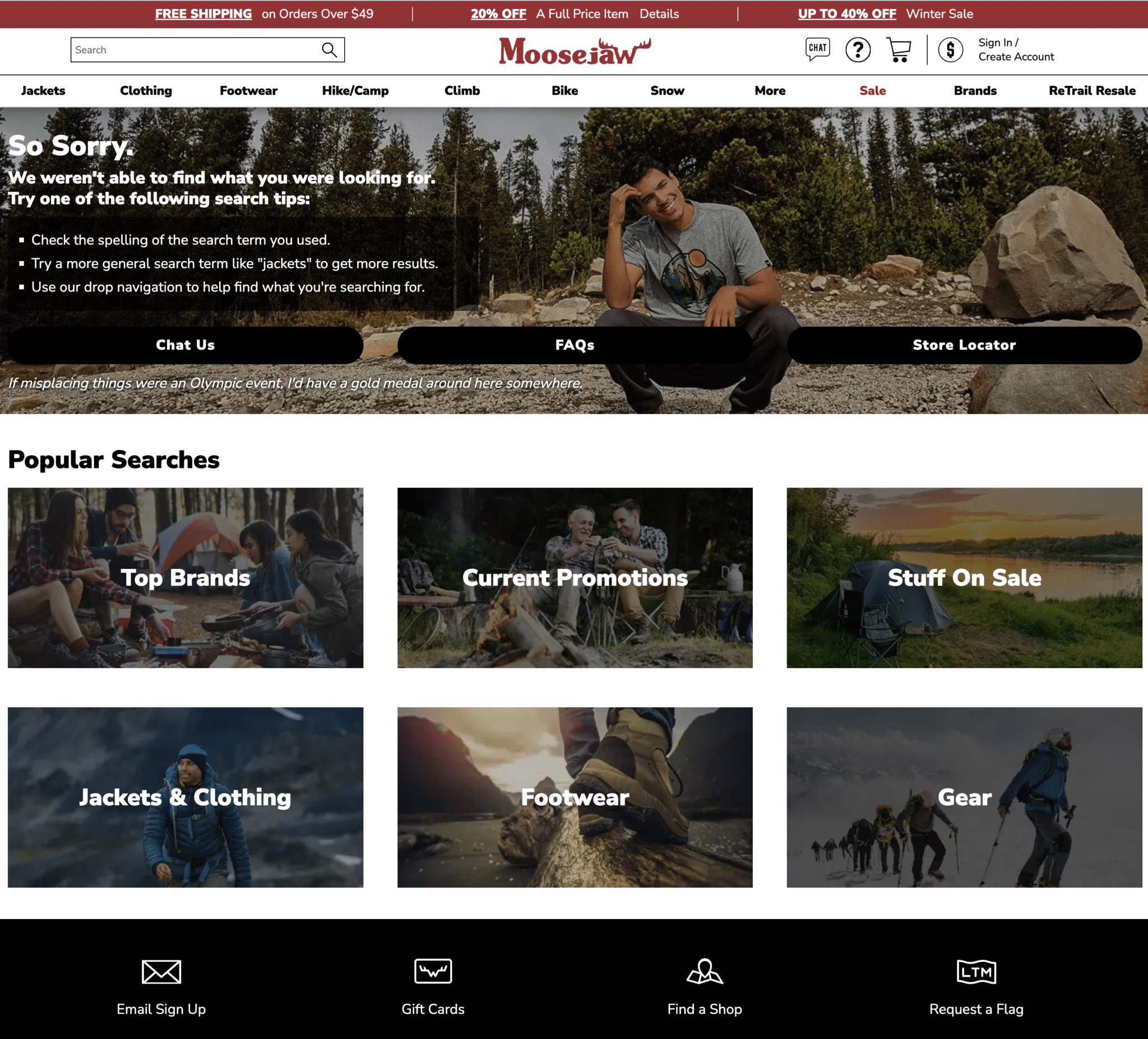
Here are examples of lighthearted, humorous, quirky 404 pages that use witty and clever language to draw users in and keep them on the page.
1. Marvel
2. PitVipers
3. Southwest
4. Chubbies
5. Taco Bell
6. Progressive Insurance

7. RyanAir

8. Lego
9. Wendy’s
10. Moosejaw
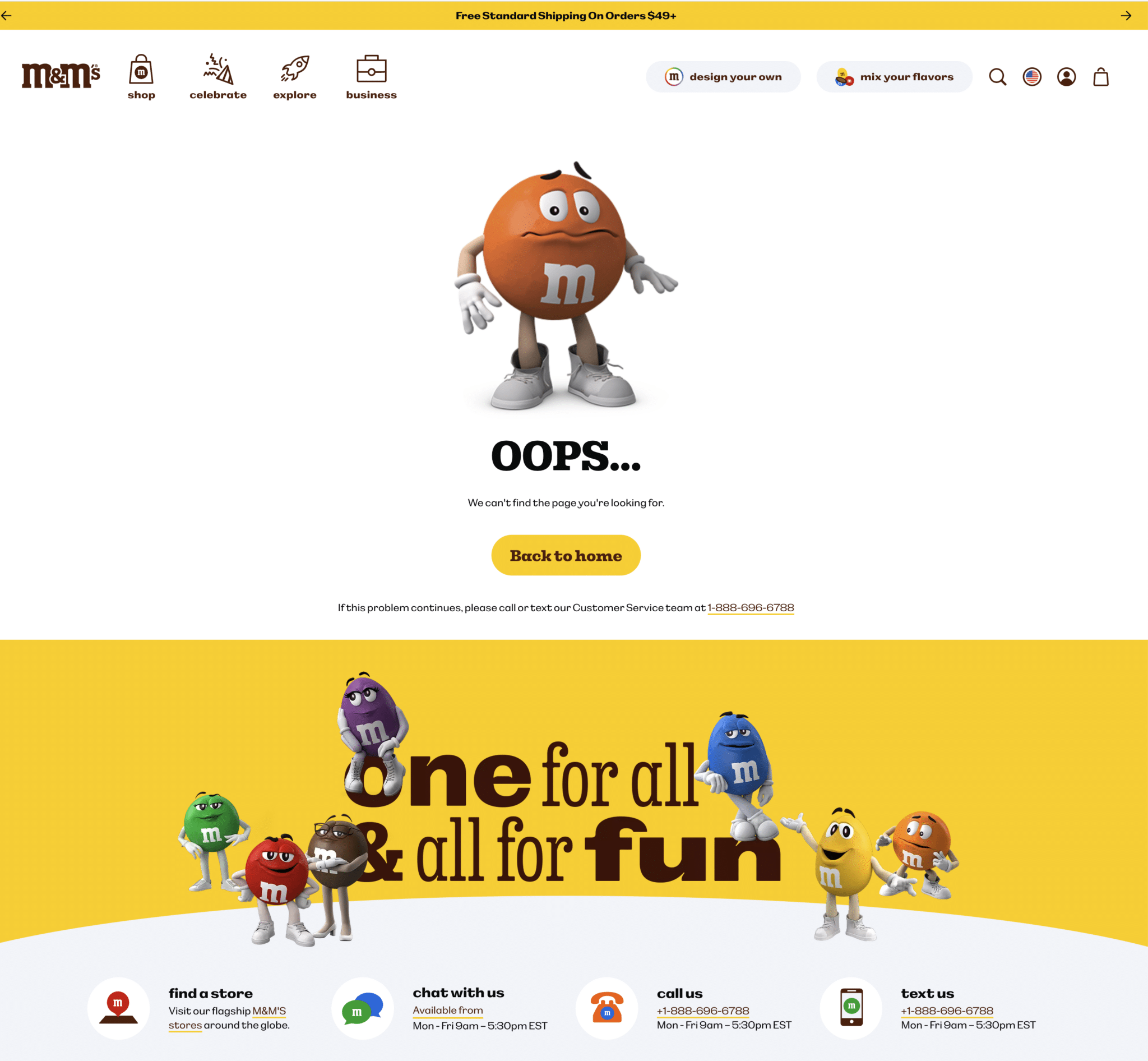
11. M&M’s
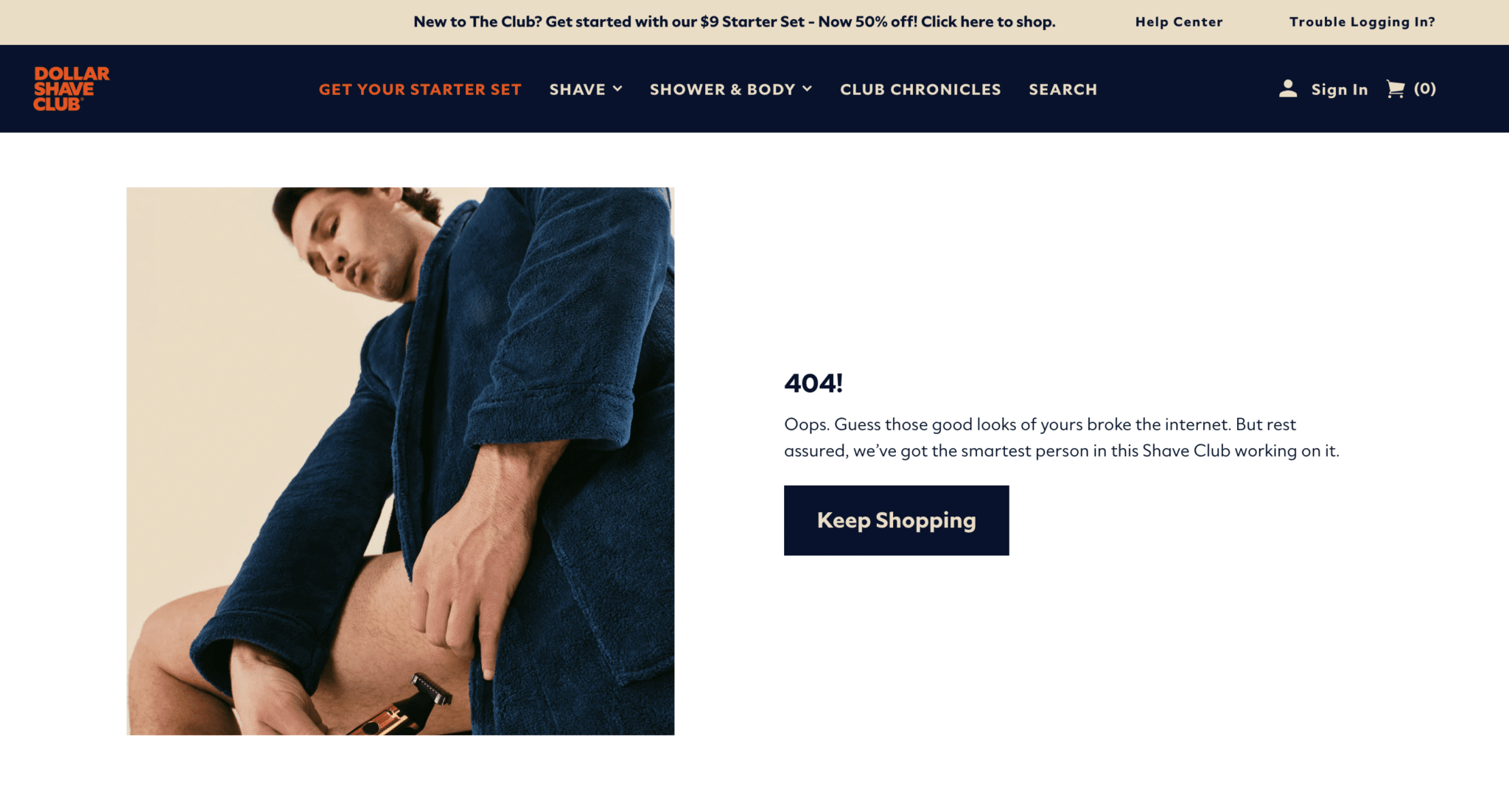
12. Dollar Shave Club
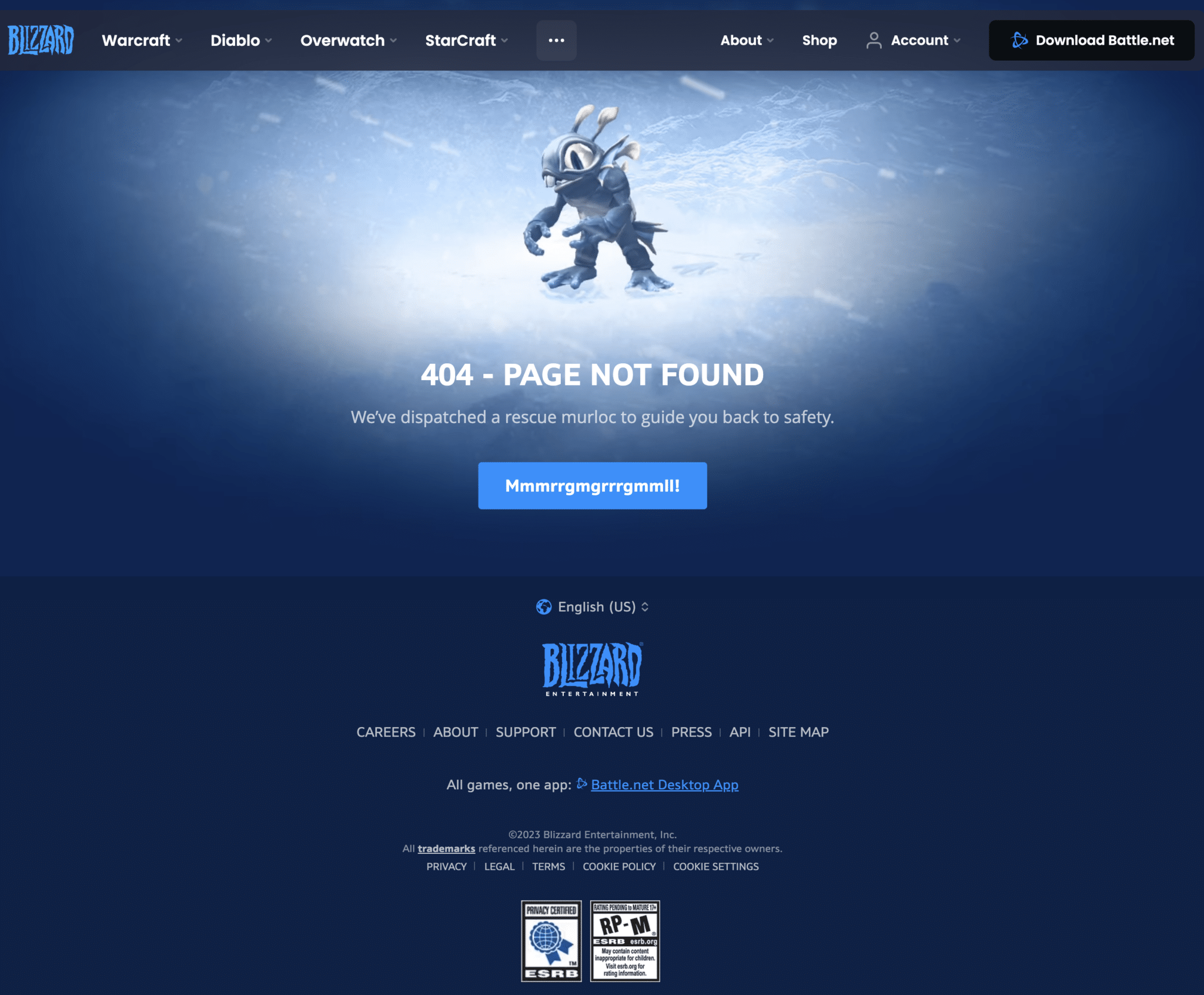
13. Blizzard
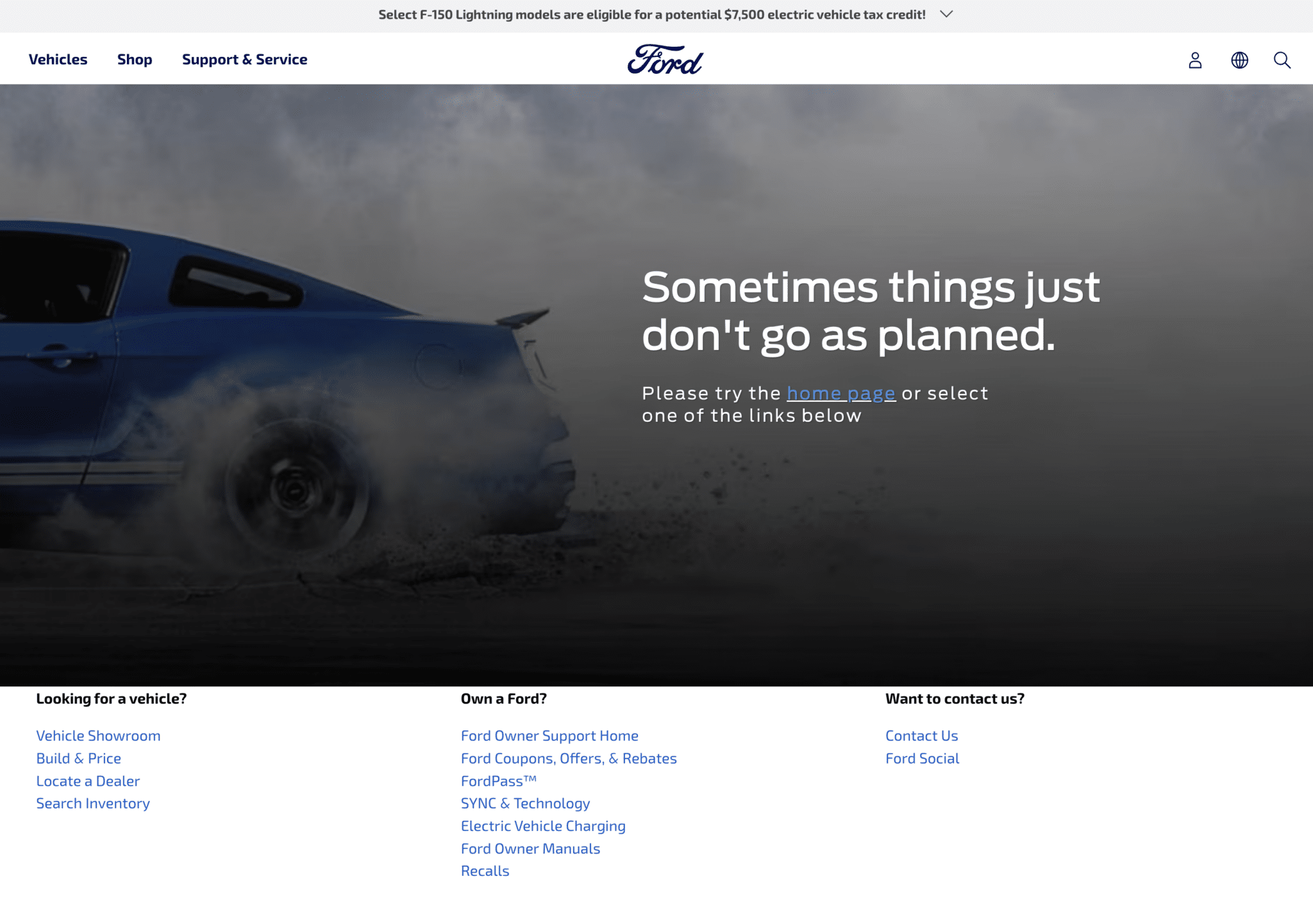
Formal 404 page examples
Here are examples of formal 404 pages designed to look more professional and take a respectful tone in the copy.
14. Medium

15. Delta

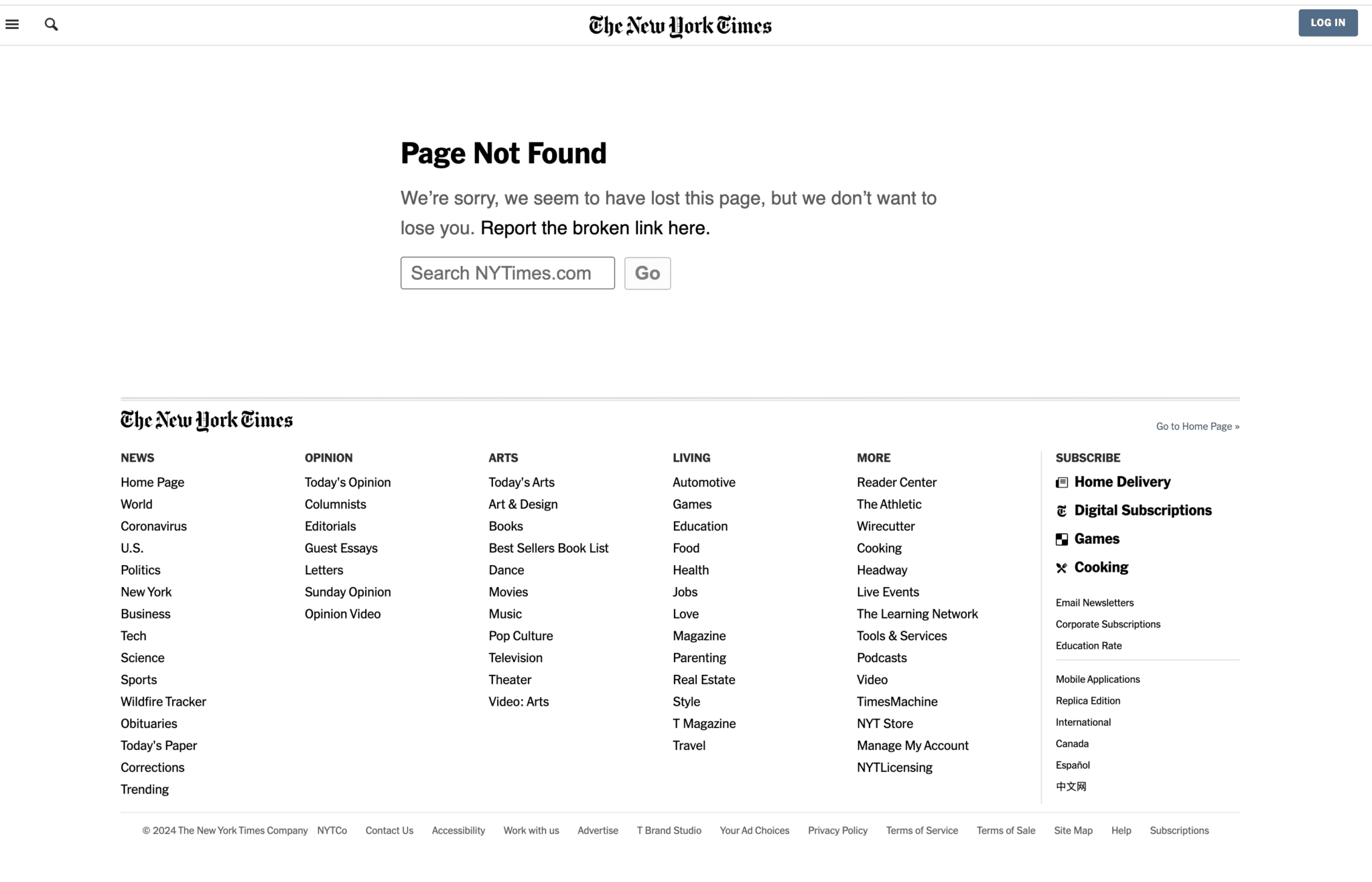
16. The New York Times
17. Ford
The industry’s trusted source for essential news and analysis.
Sign up for our newsletter to receive exclusive insights and updates directly to your inbox.
- Daily breaking news
- Expert analysis from industry veterans
- Join over 200k subscribers
- Covering SEO, PPC and AIO
SaaS 404 page examples
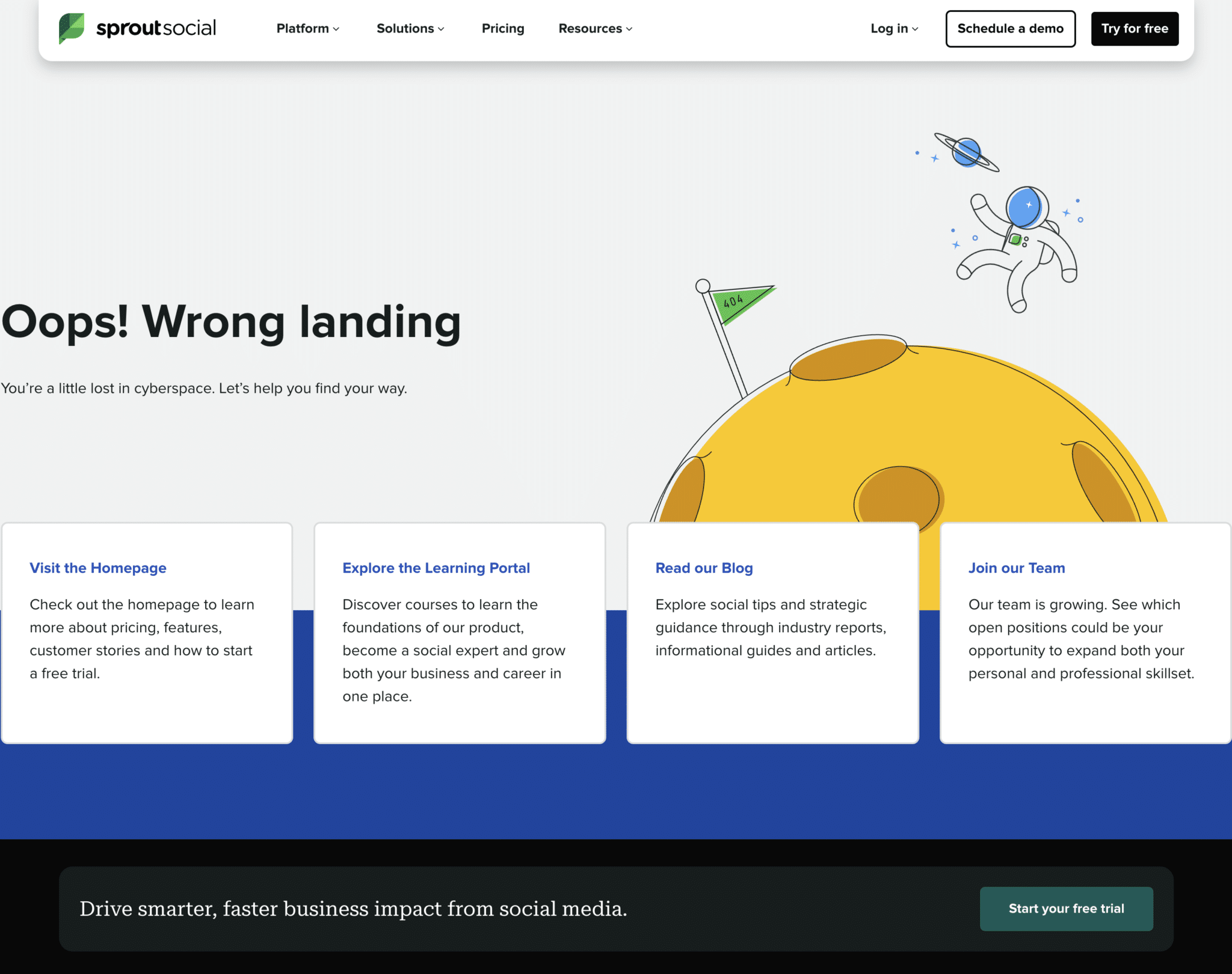
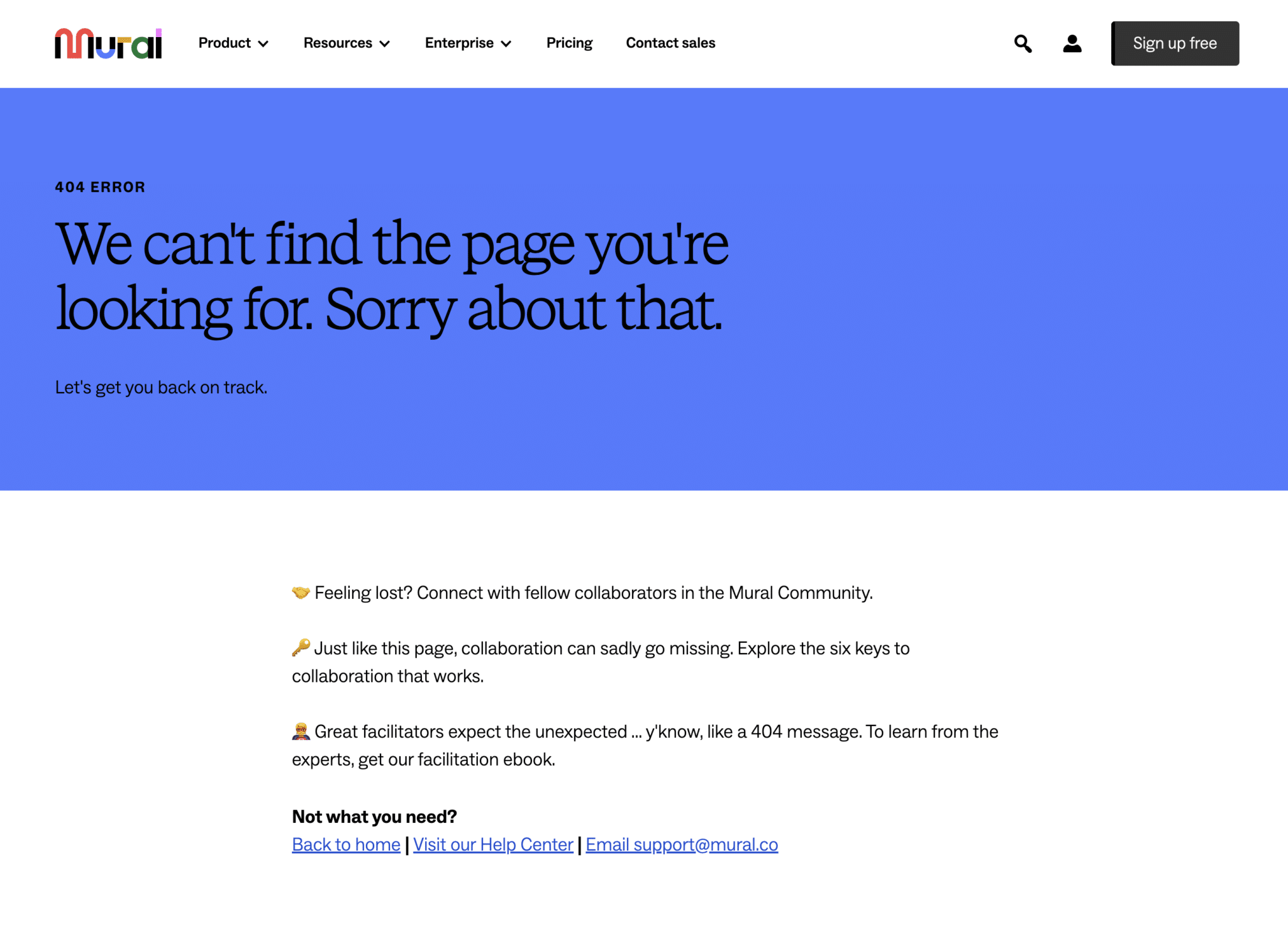
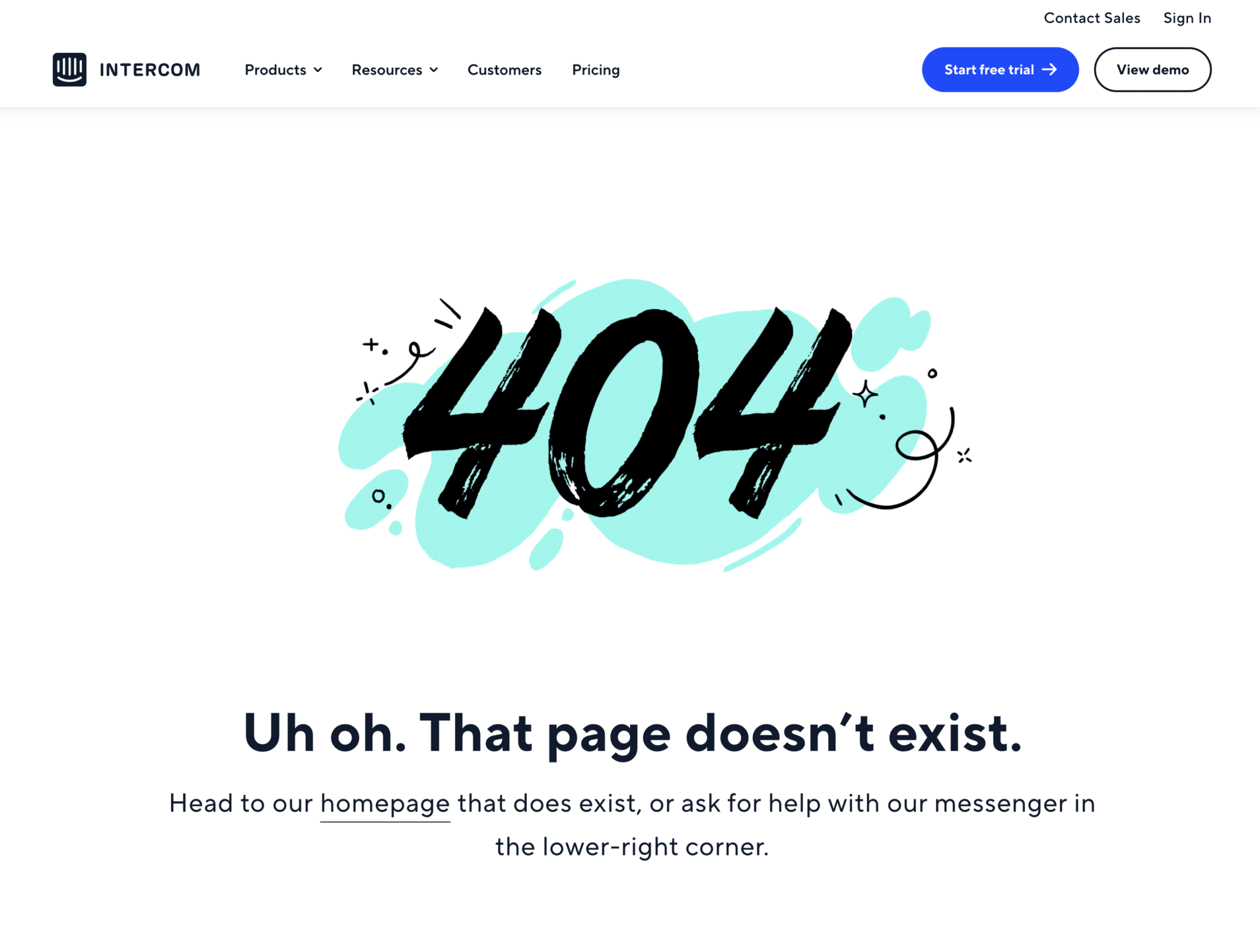
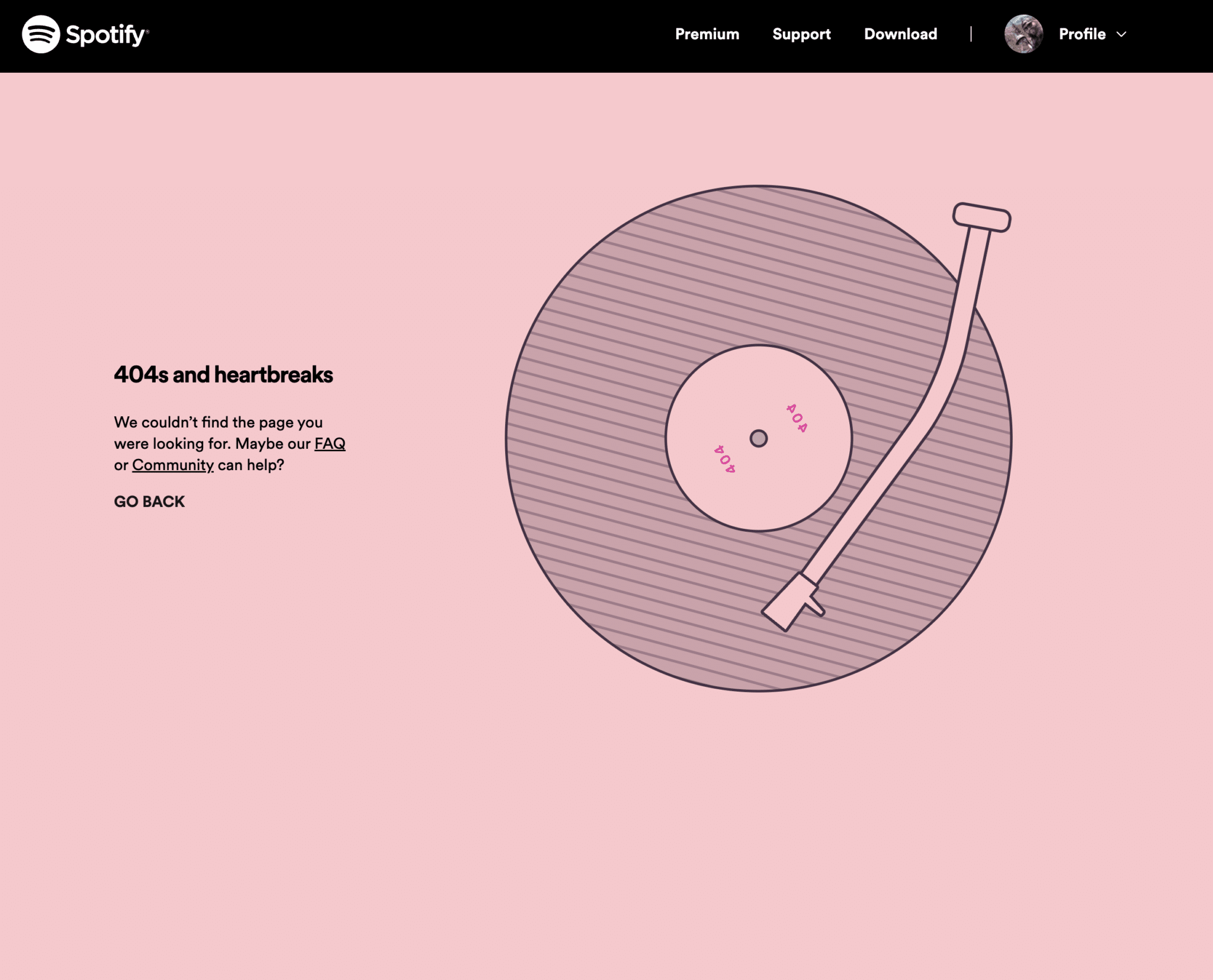
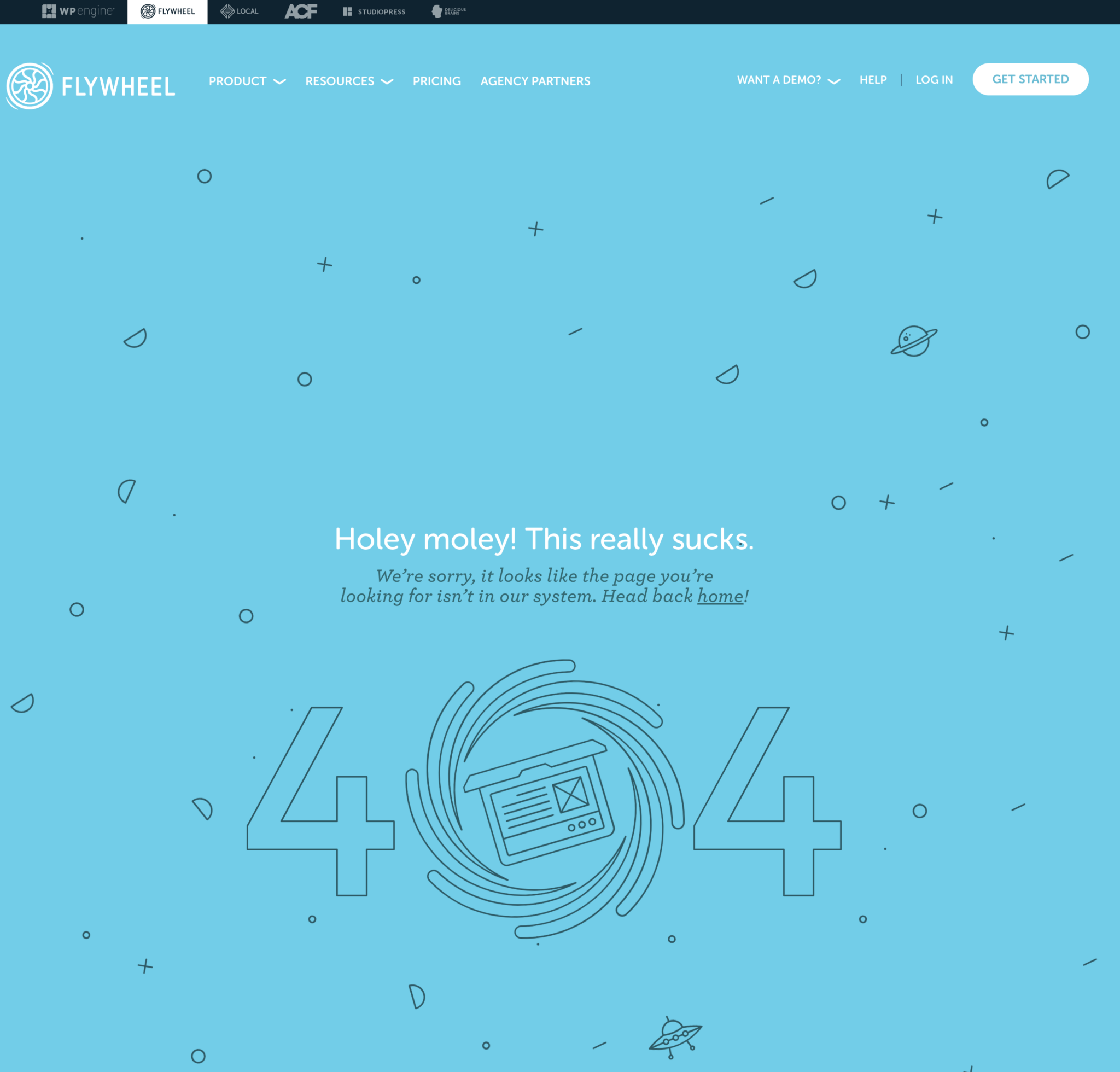
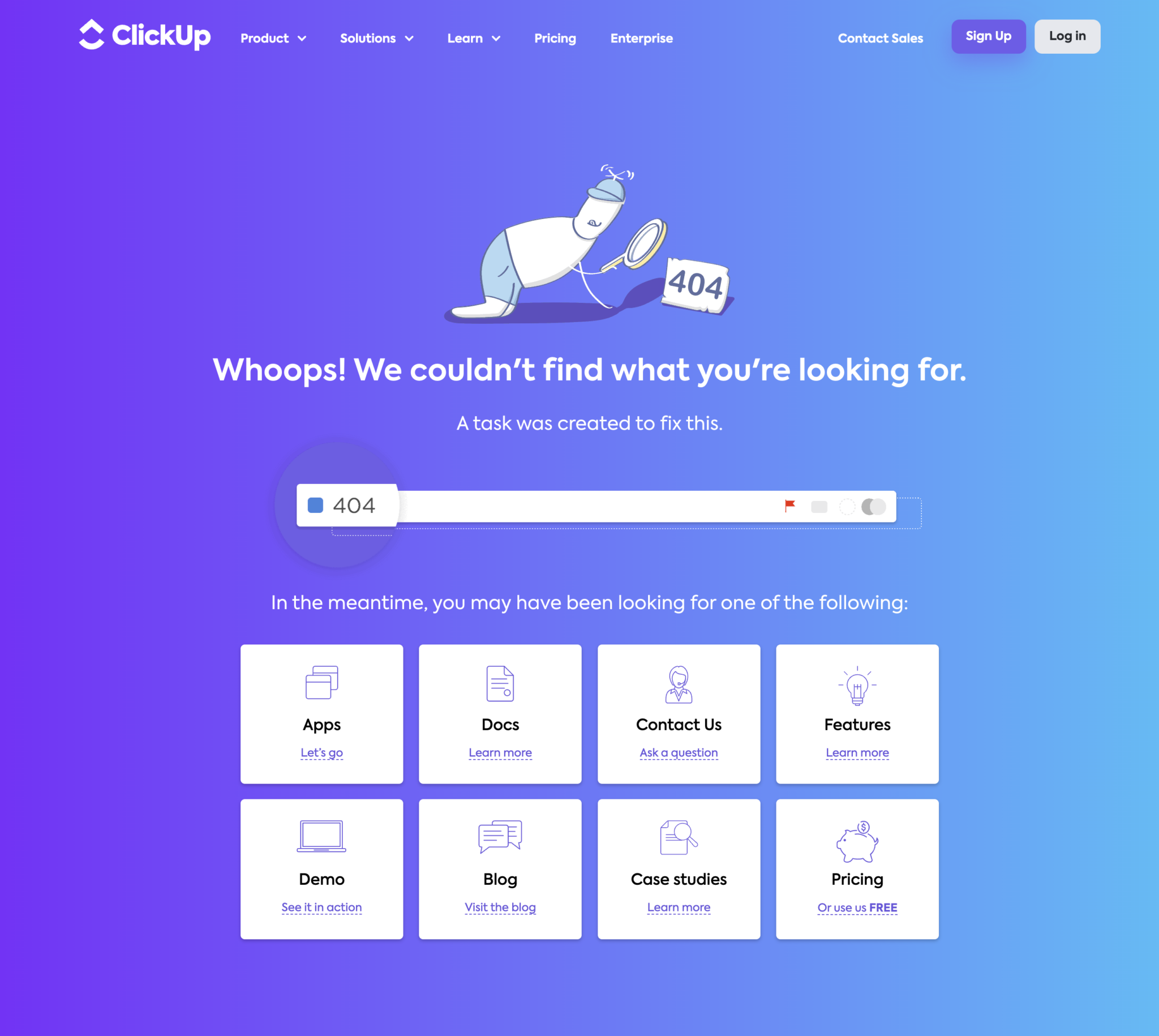
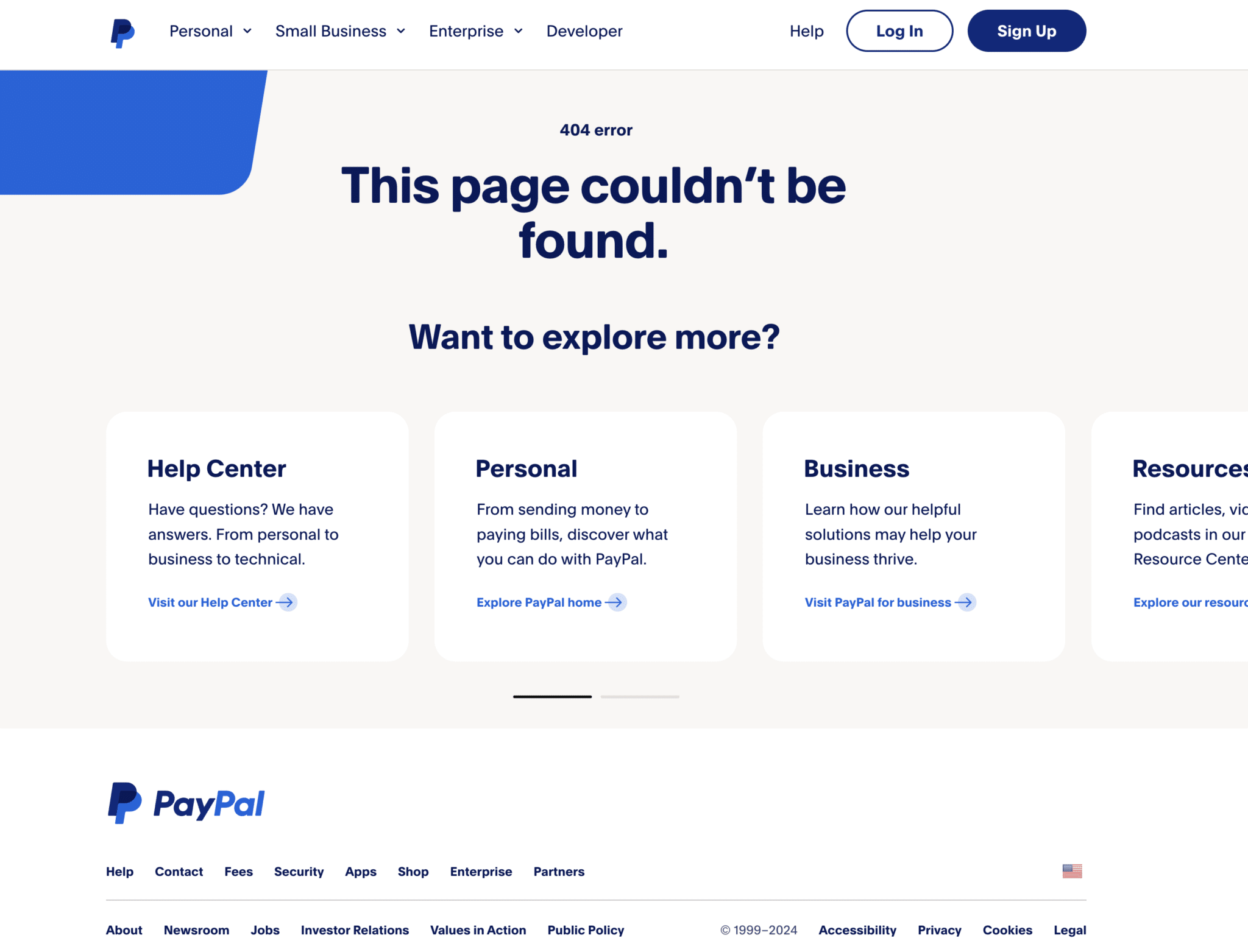
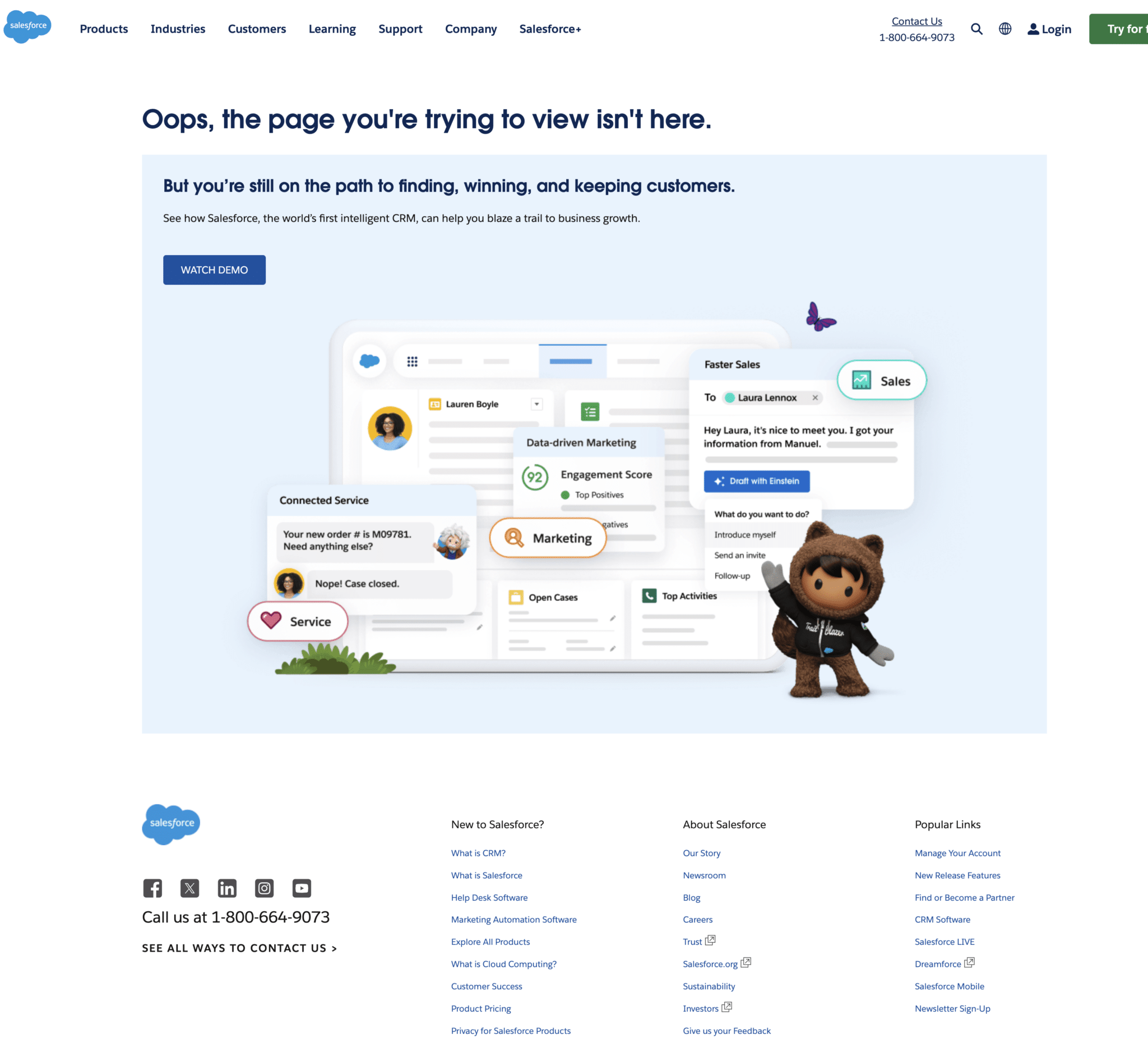
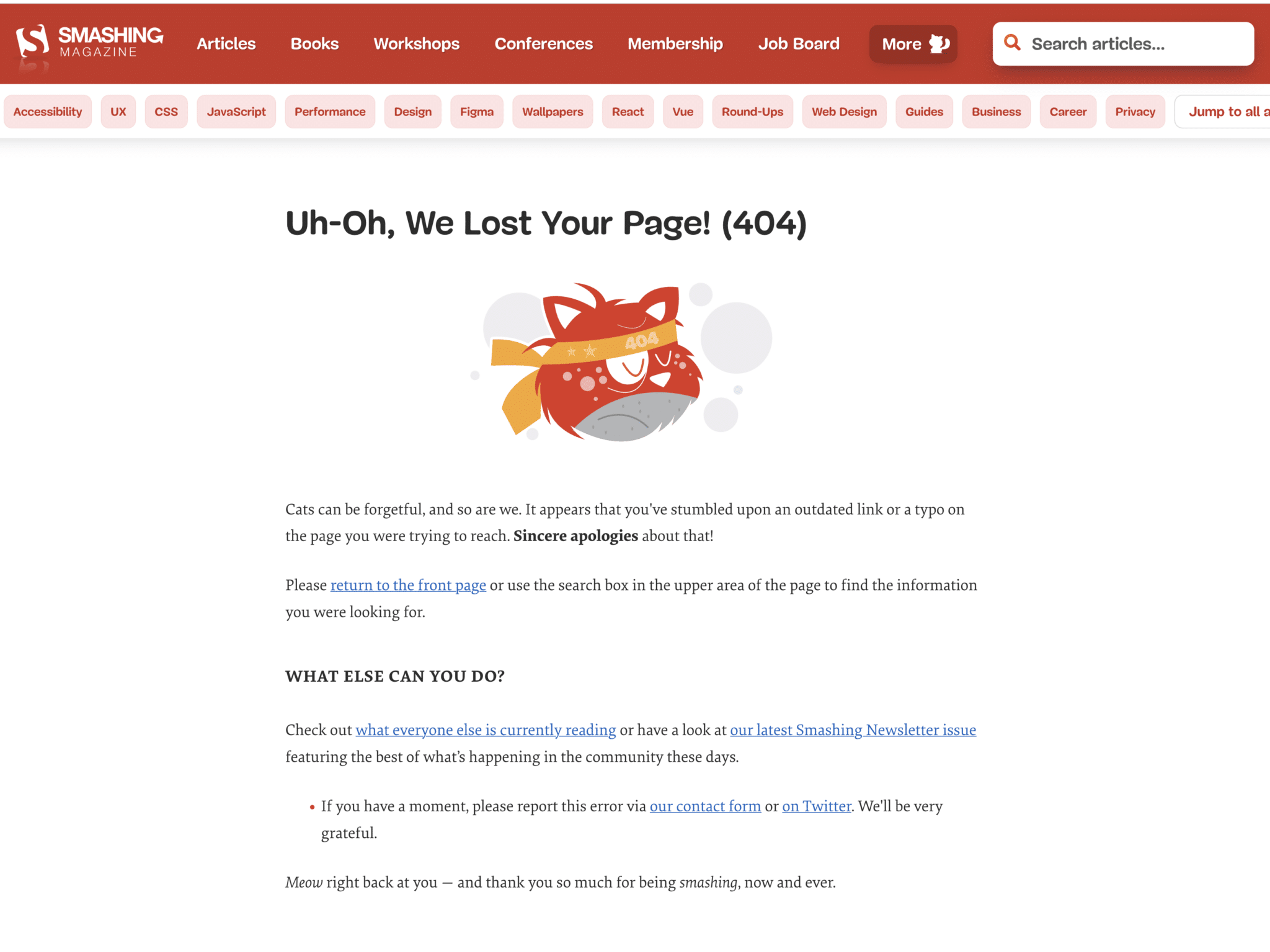
Here are examples of SaaS 404 pages that align with users’ specific needs and expectations when visiting a SaaS platform. You’ll notice a clean, minimalistic design with a user-centric focus.
18. Sprout Social
19. Mural
20. Intercom
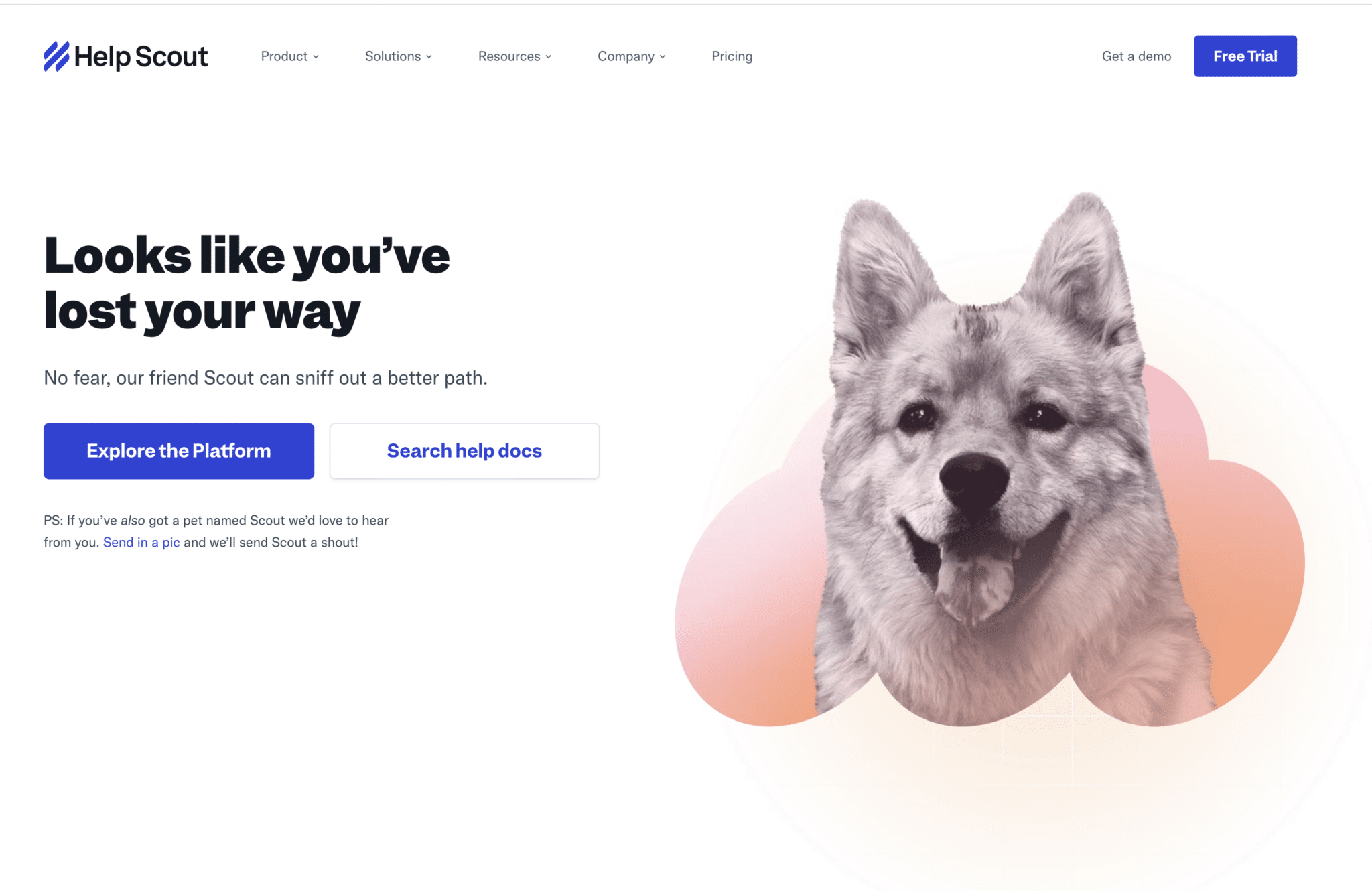
21. Help Scout
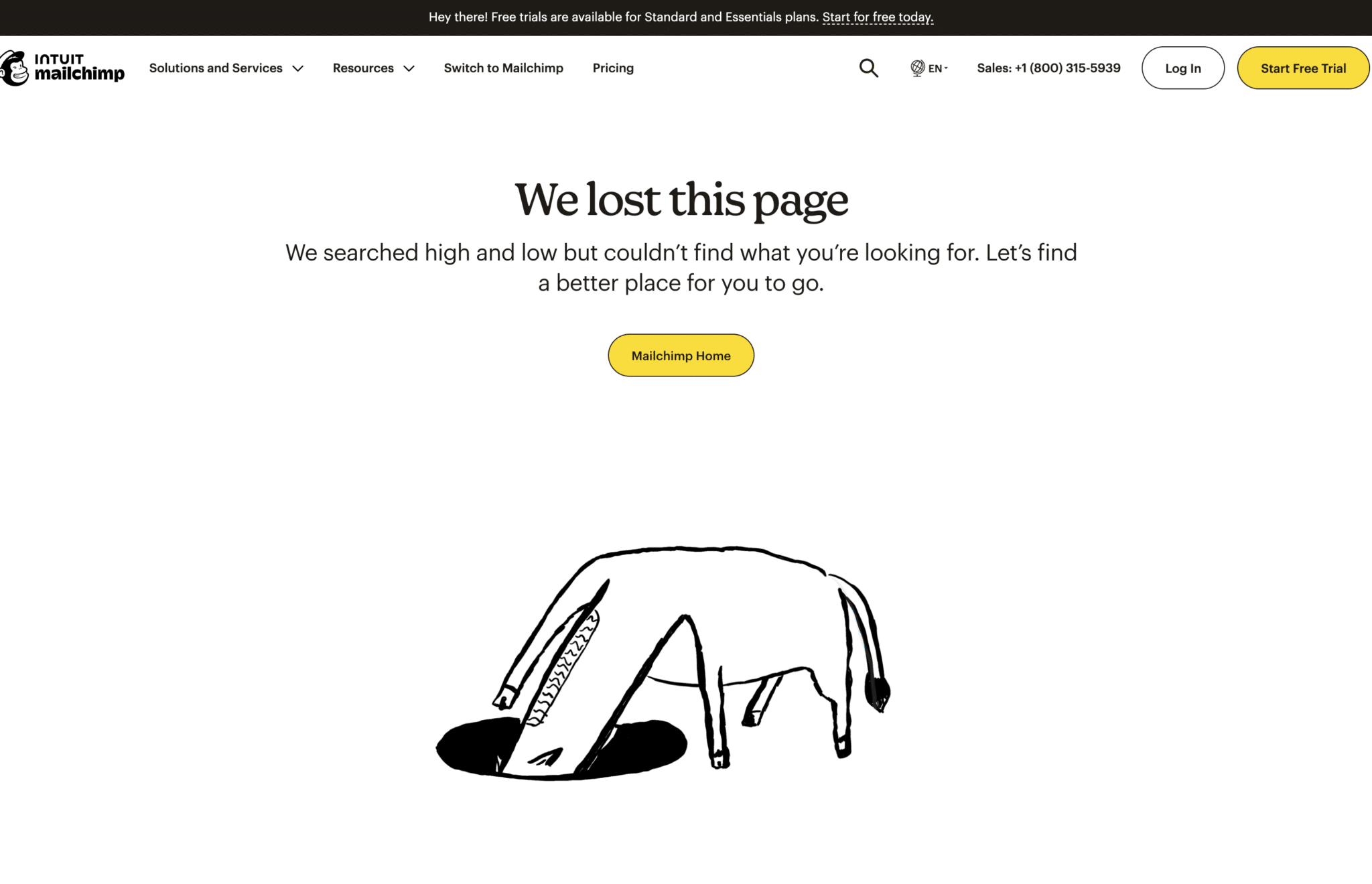
22. Mailchimp
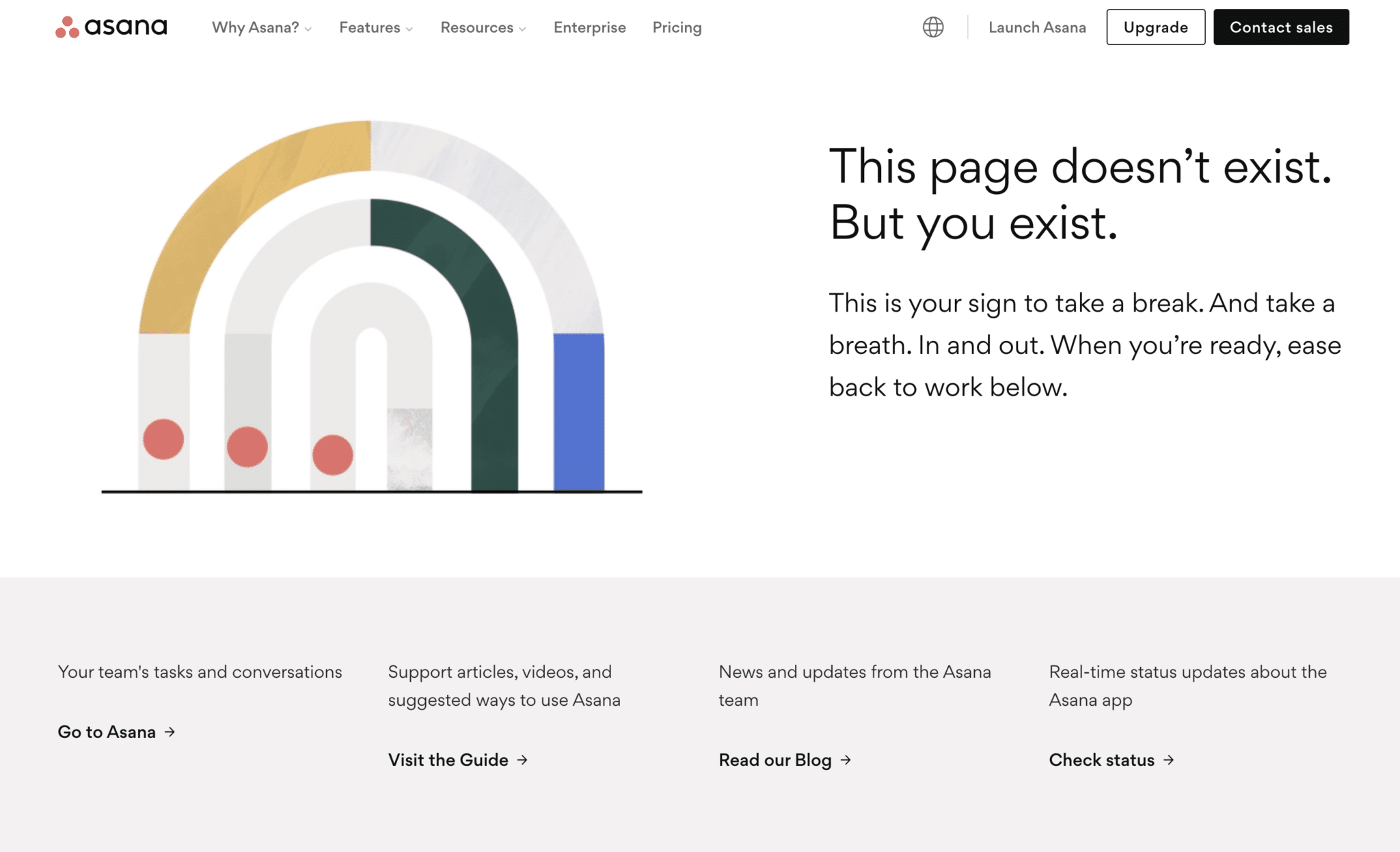
23. Asana
24. Uber

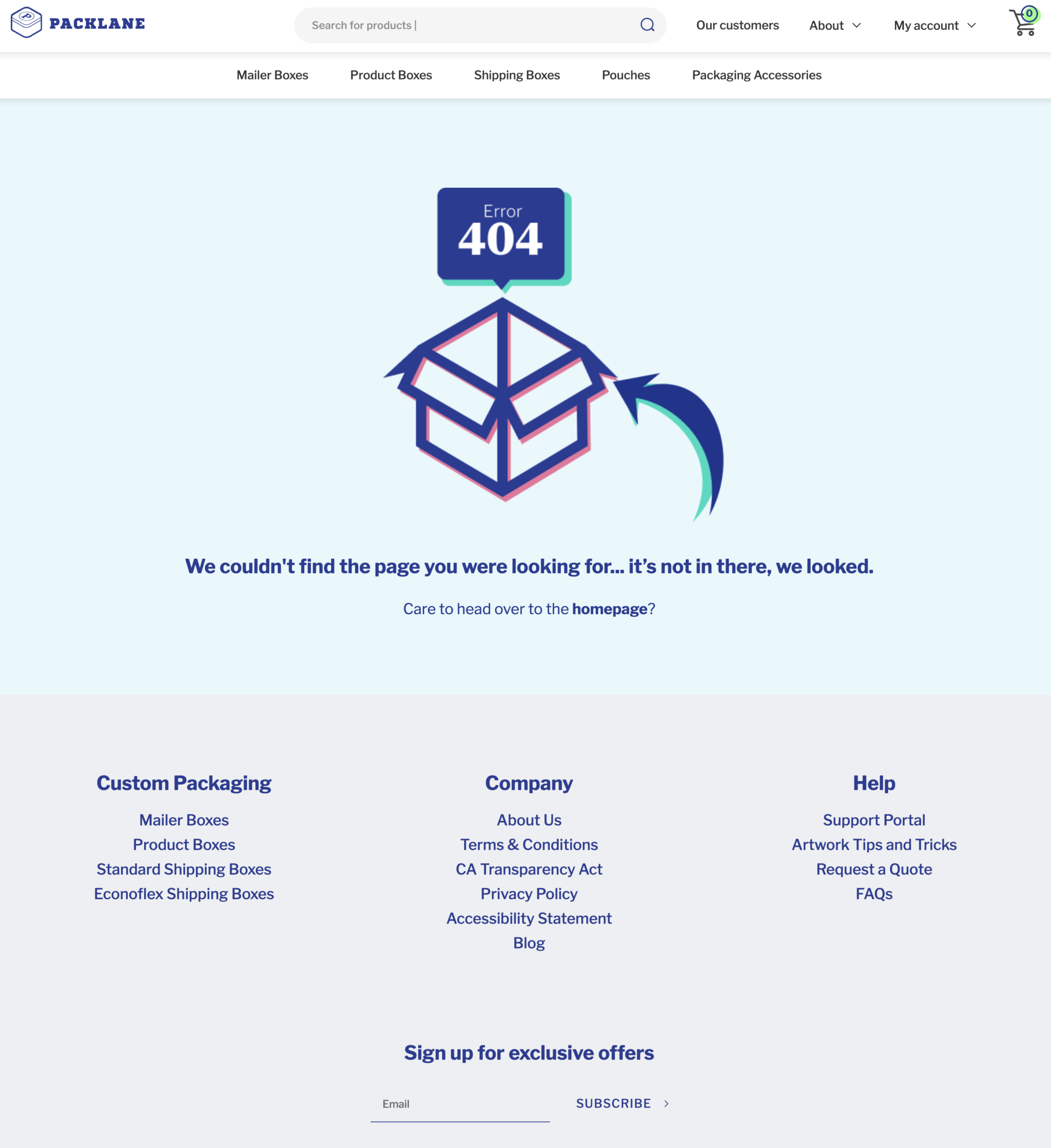
25. Packlane
26. Drift

27. Spotify
28. Flywheel
29. ClickUp
30. PayPal
31. Headspace

32. Zoom

33. Salesforce
34. Smashing Magazine
Ecommerce 404 page examples
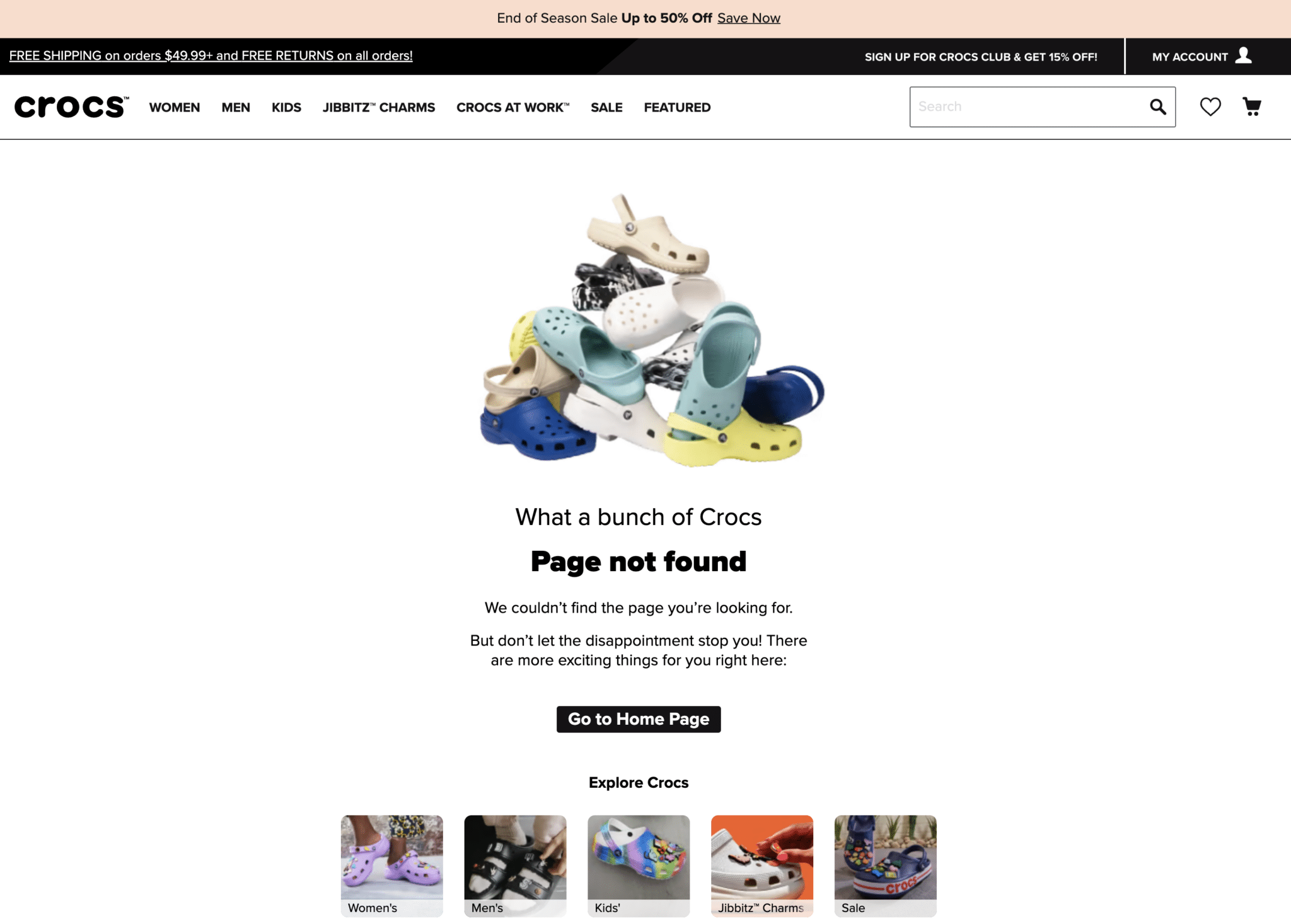
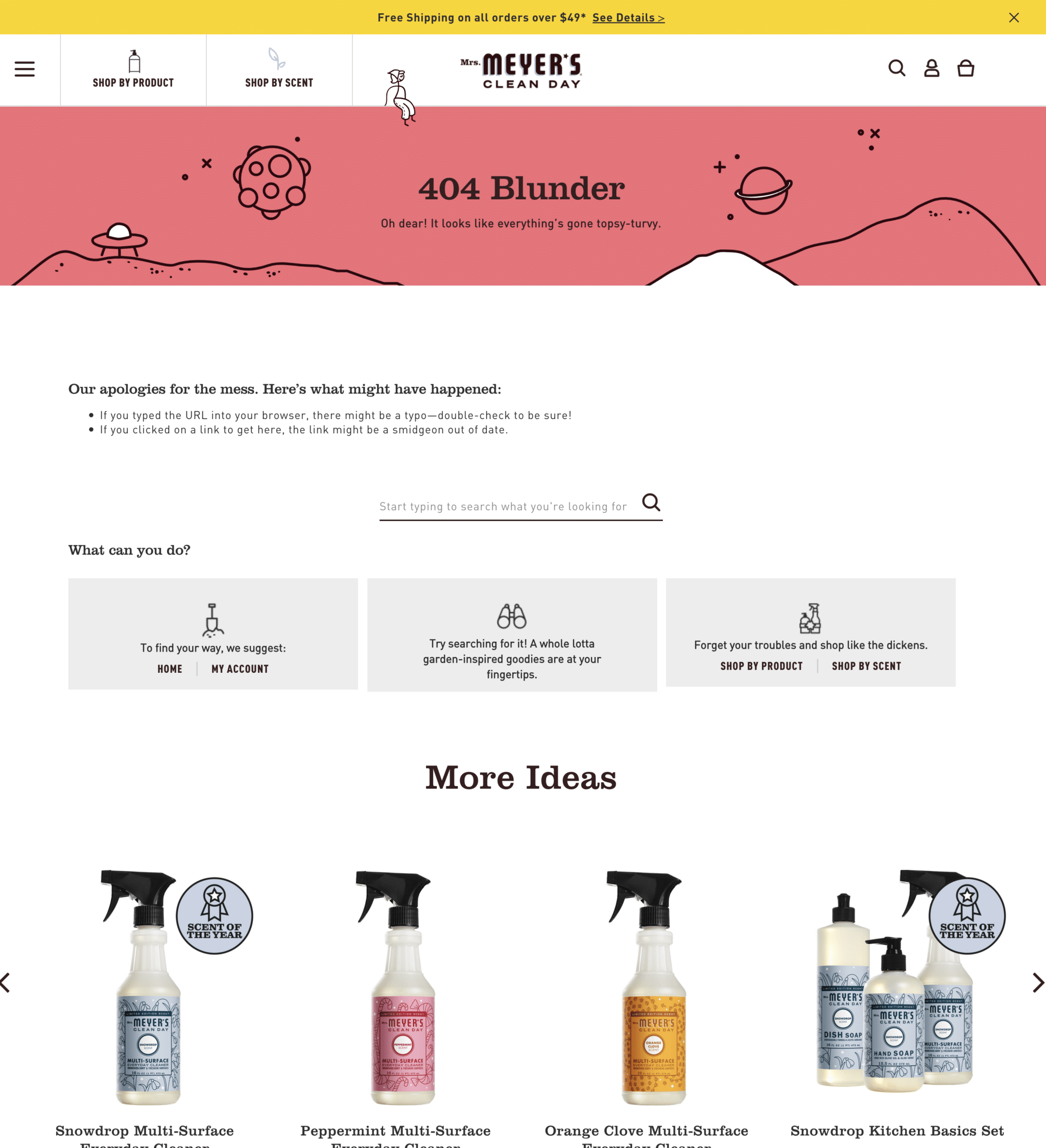
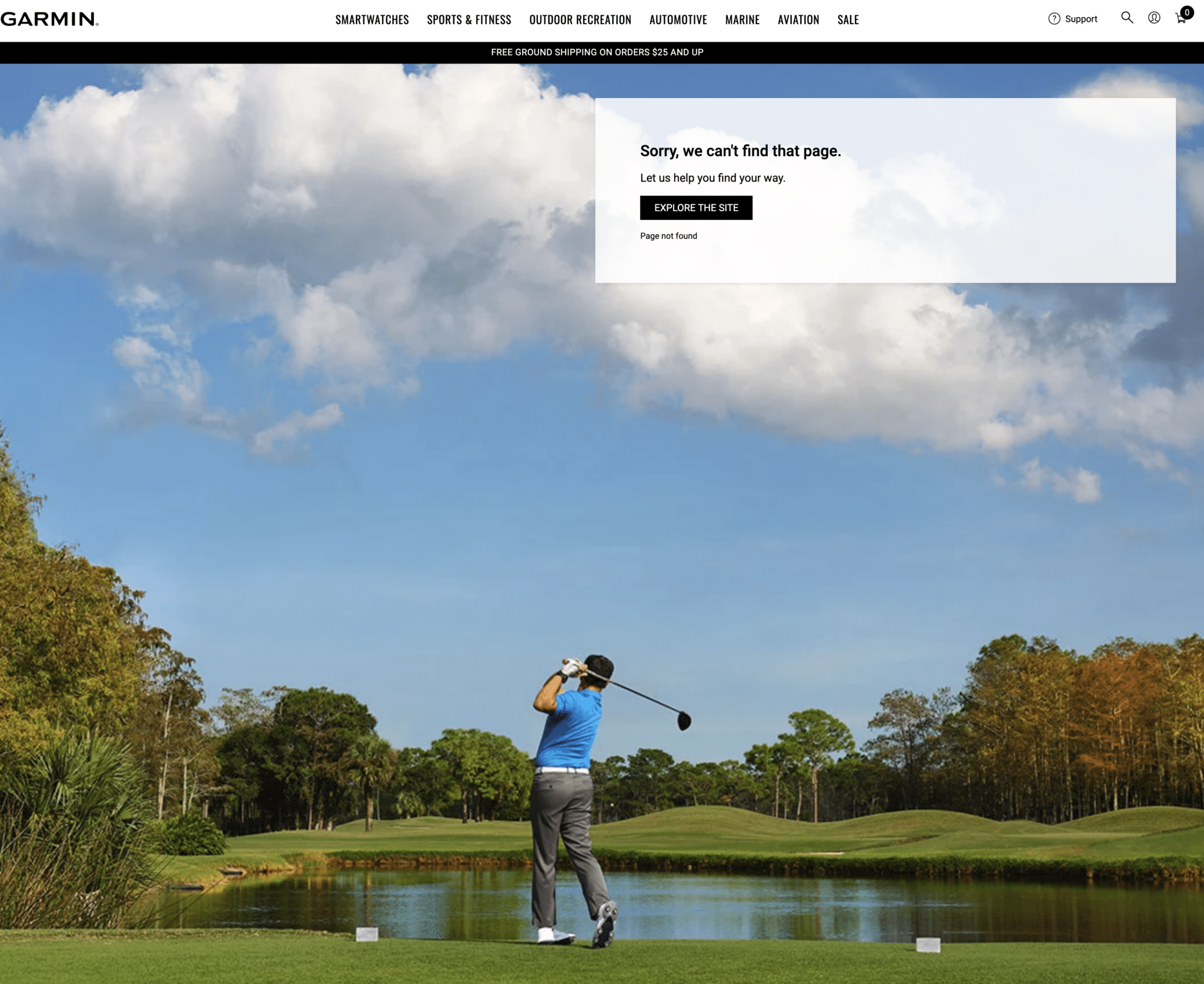
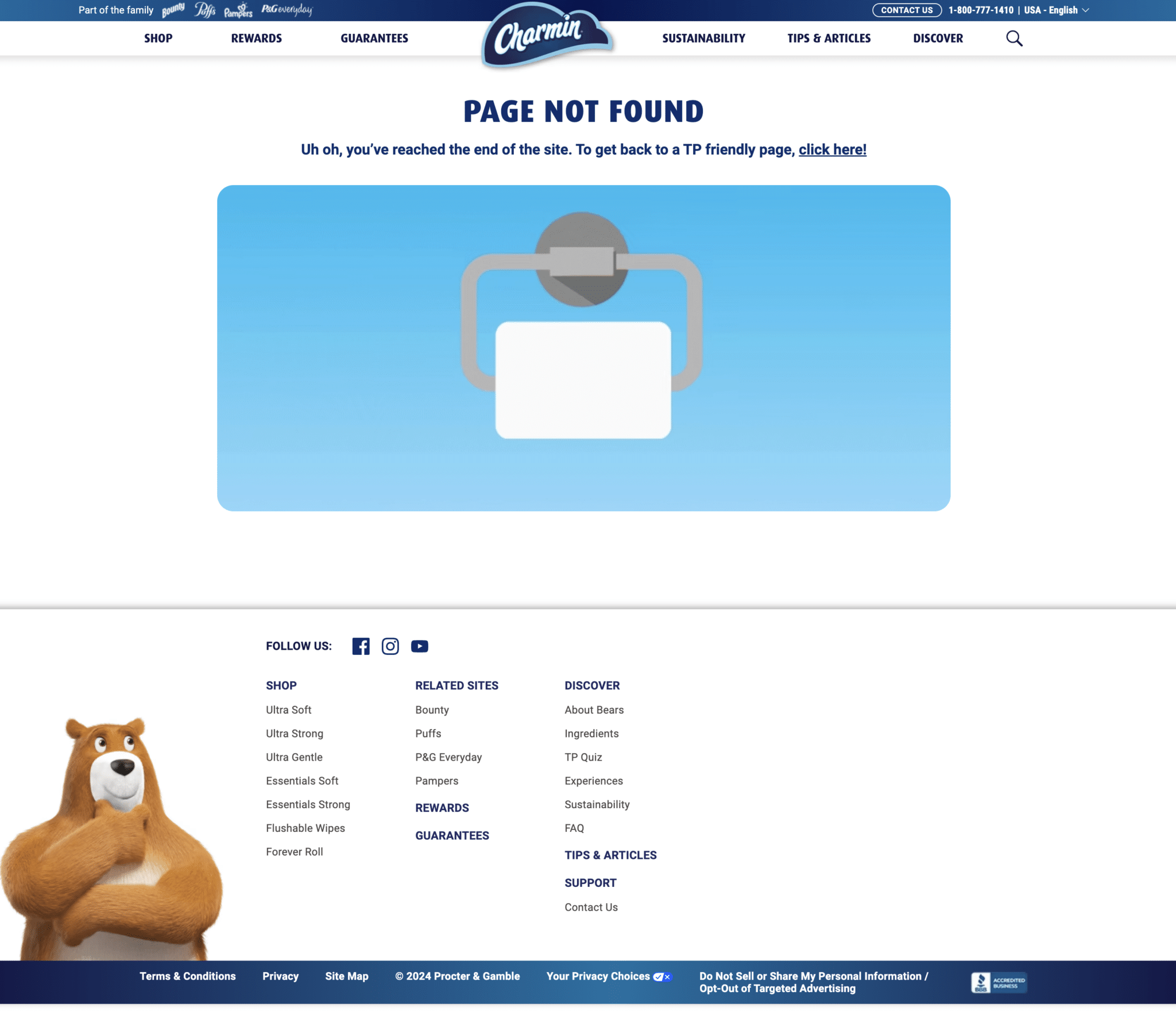
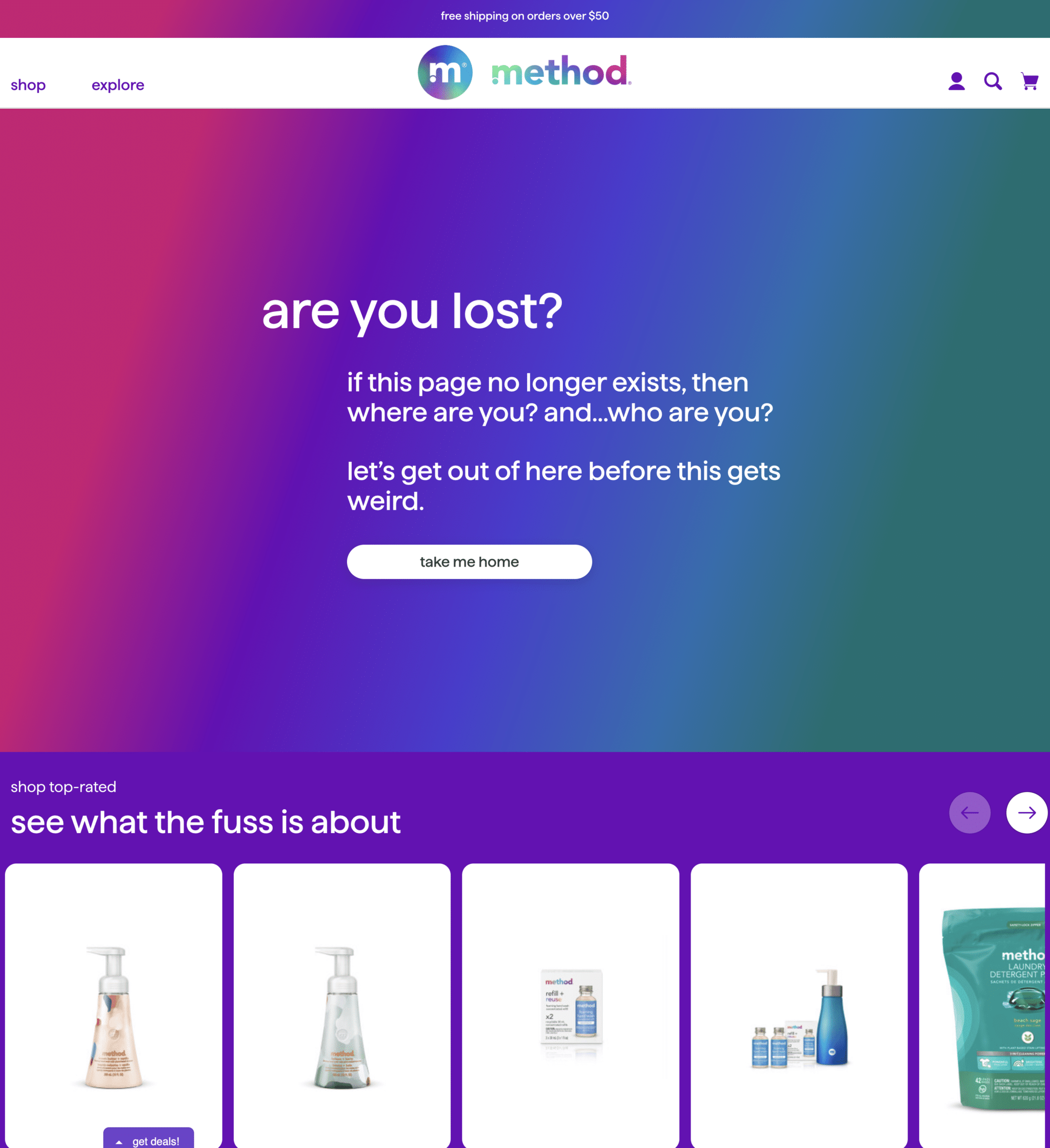
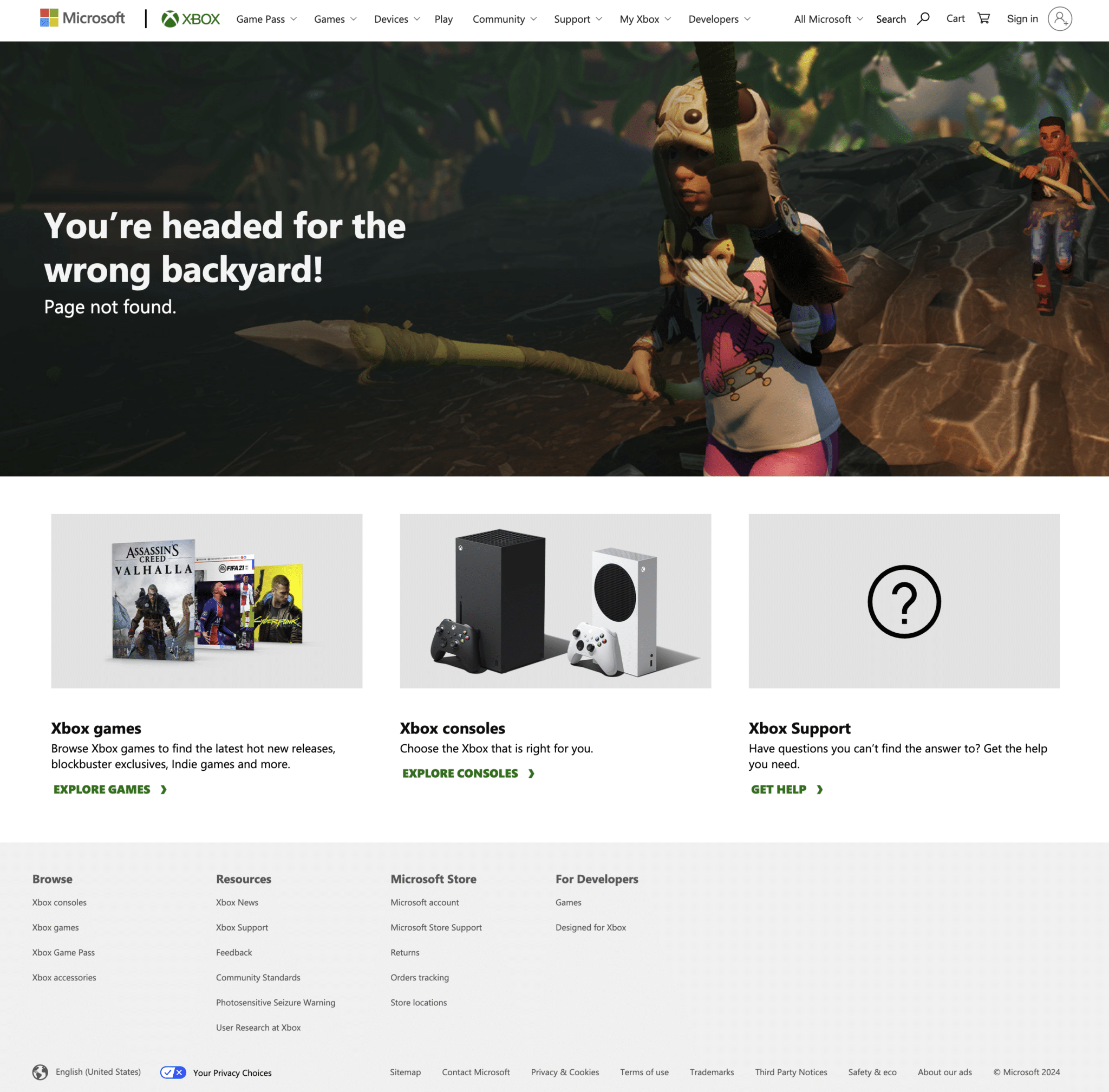
Here are examples of ecommerce 404 pages that offer search functionality, category navigation, cart preservation, and even customer reviews.
35. Crocs
36. Ugg

37. Mrs. Meyers
38. Garmin
39. Charmin
40. Patagonia

41. Yeti

42. Barstool Sports

43. Method
44. Xbox
45. Cards Against Humanity

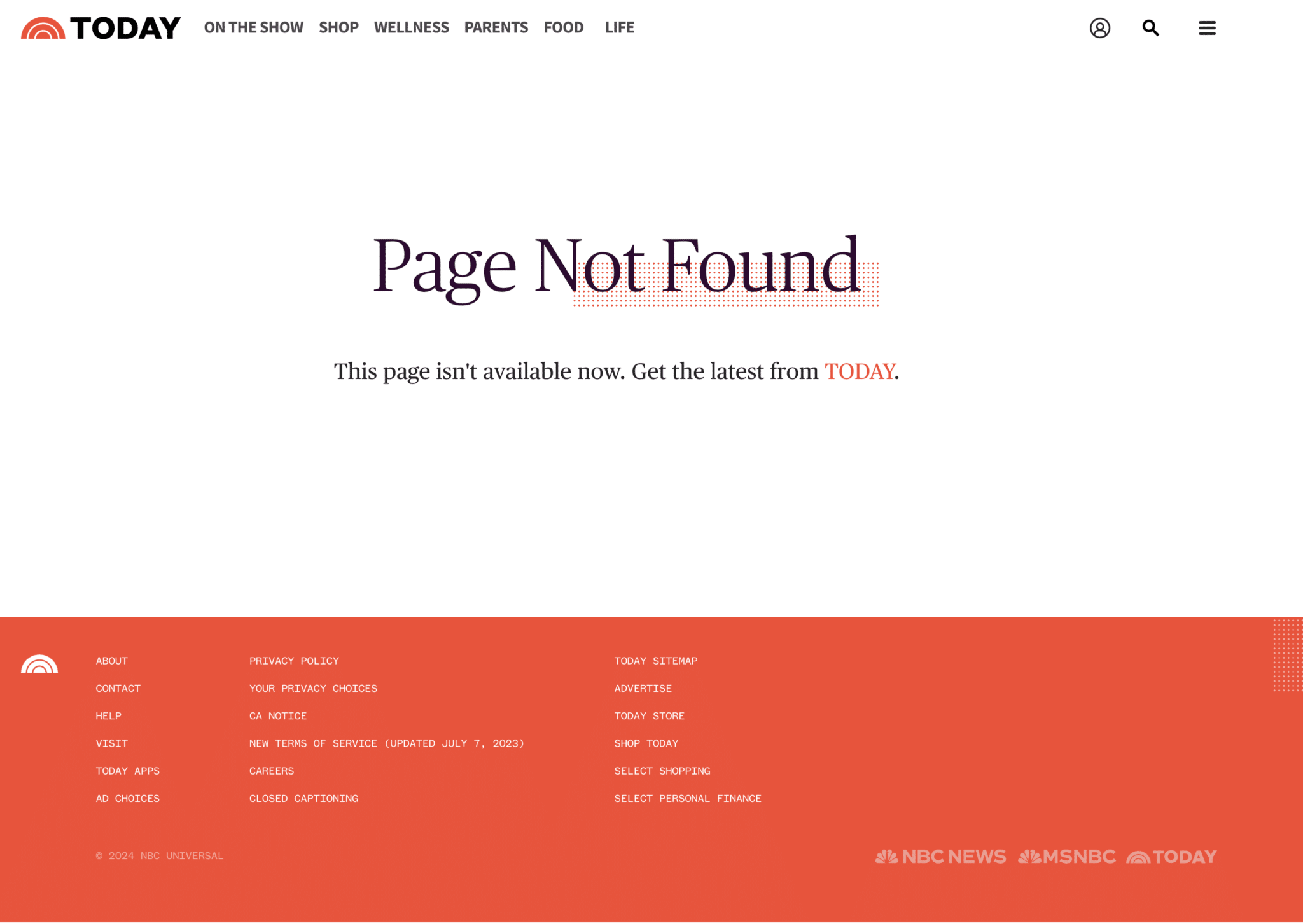
Bad 404 page examples
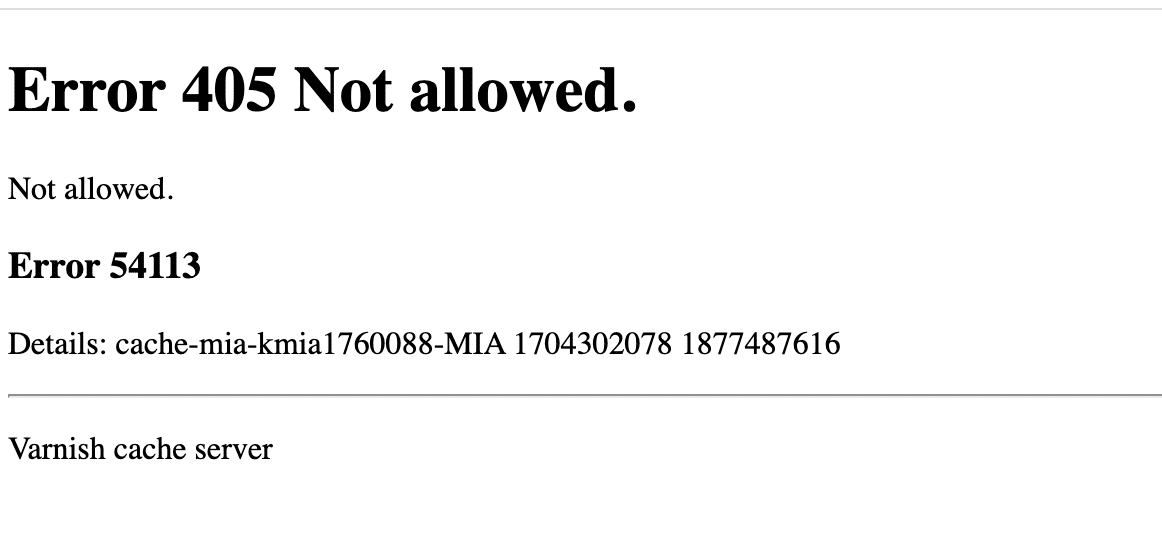
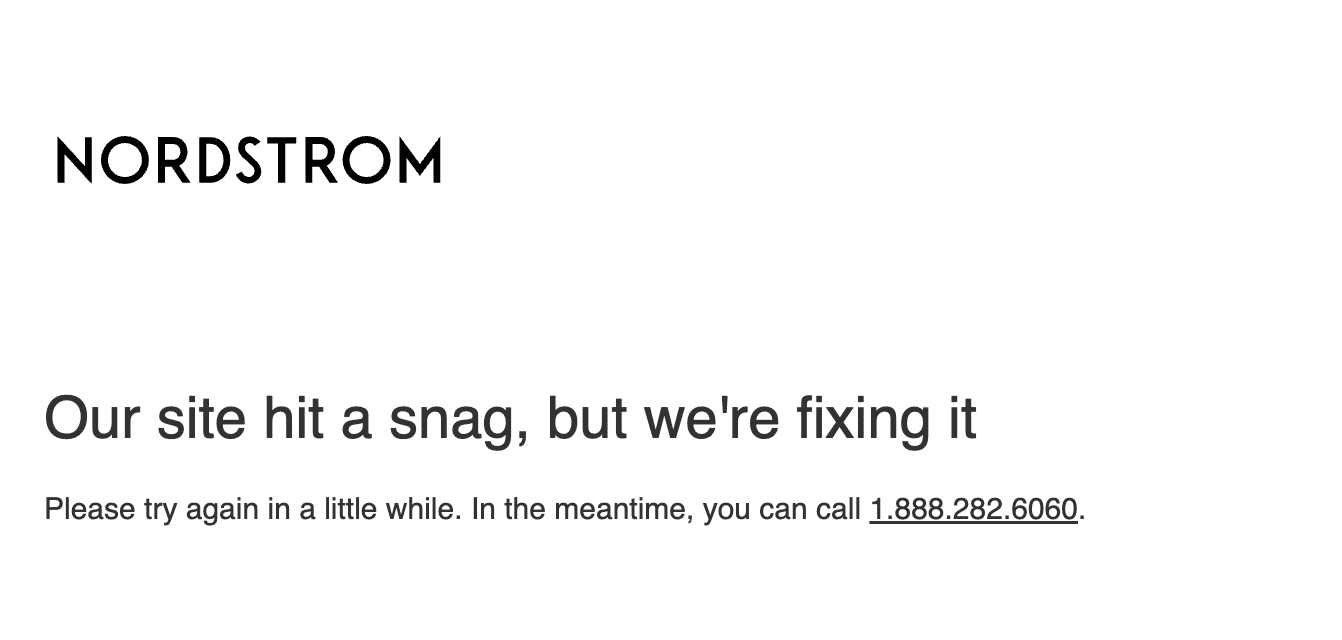
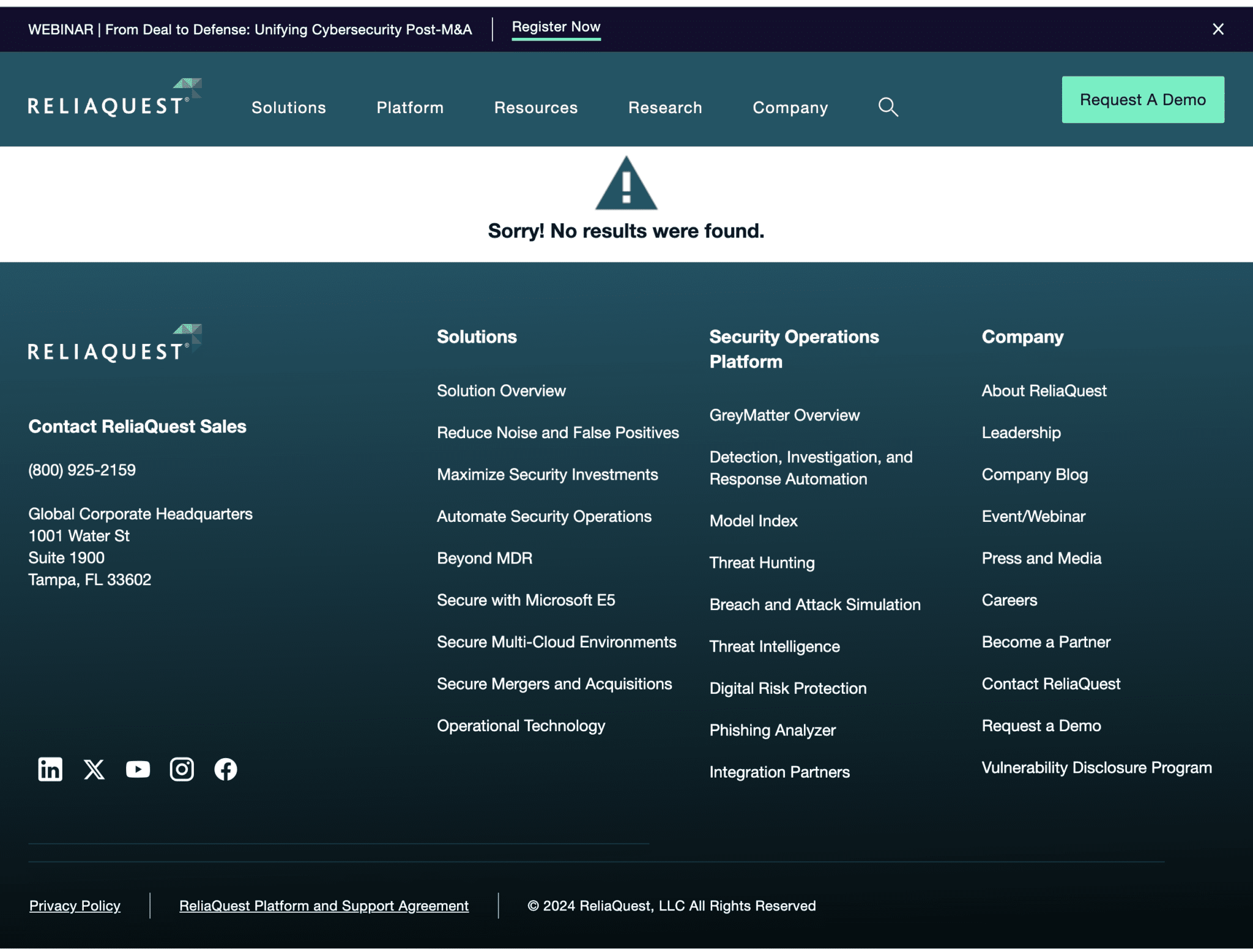
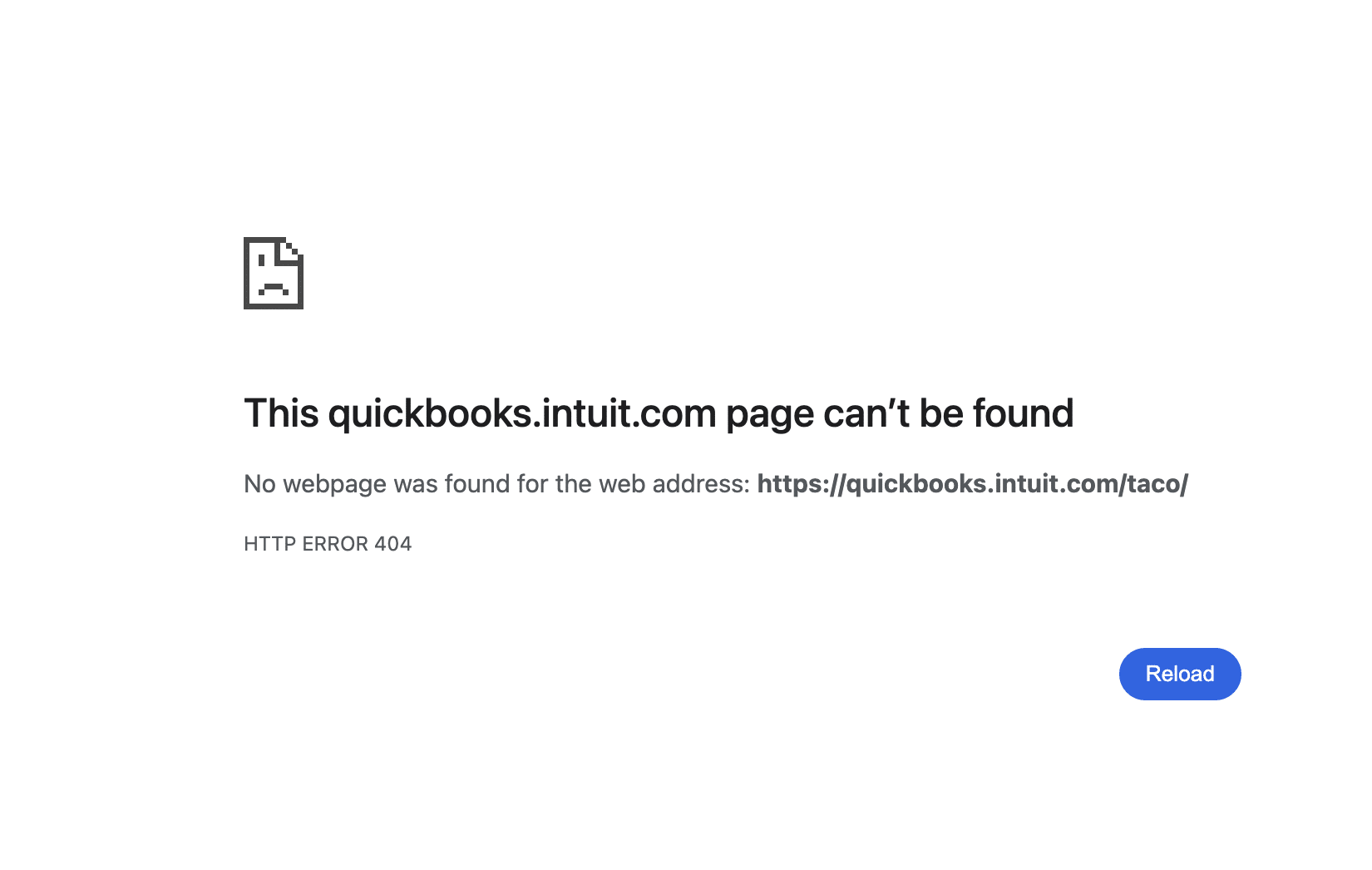
Here are examples of bad 404 pages that result in a lack of clarity, no guidance, and a generic error message.
46. Wired
47. Nordstrom
48. Reliaquest
49. QuickBooks
50. Today
51. Target

FAQs about 404 pages
How do I find a 404 page on my website?
There are a few different ways to find a 404 page on your website:
- Type in a non-existent URL. For example, www.yourwebsite.com/taco
- Click on a broken link
- Search for non-existent content in your website’s search functionality
How do I edit a 404 page in WordPress?
Editing your 404 page in WordPress can vary depending on how your WordPress is set up.
You can do this in your page builder or a plugin.
My personal preference is to make changes in the theme customizer under “Appearance.” Then, click on “customize.” You should find your 404 page.
Does Google remove 404 pages?
Google does not remove 404 pages. I actually see quite a lot of 404 pages indexed.
Over time, if Google stumbles across the 404 page repeatedly, it will eventually remove those pages from the index.
If the 404 page is restored, Google will reindex the page.
Building better 404 pages
Well-designed error pages promote a smooth user experience, even when someone lands on a missing page.
By following the tips outlined here, you can create 404 pages that transform confusing dead-ends into convenient gateways for navigation, search functionality, contact information, and more.
Dig deeper: Pro Tip: How to find and fix 404 errors that really matter to win your traffic back
Explore more on
Editorial disclosure
Contributing authors are chosen for their expertise and work under the oversight of the editorial staff. Search Engine Land is owned by Semrush. The contributor was not asked to mention Semrush; the opinions expressed are their own.
About the author